Dedicated Micros ©2009
97
EcoSense
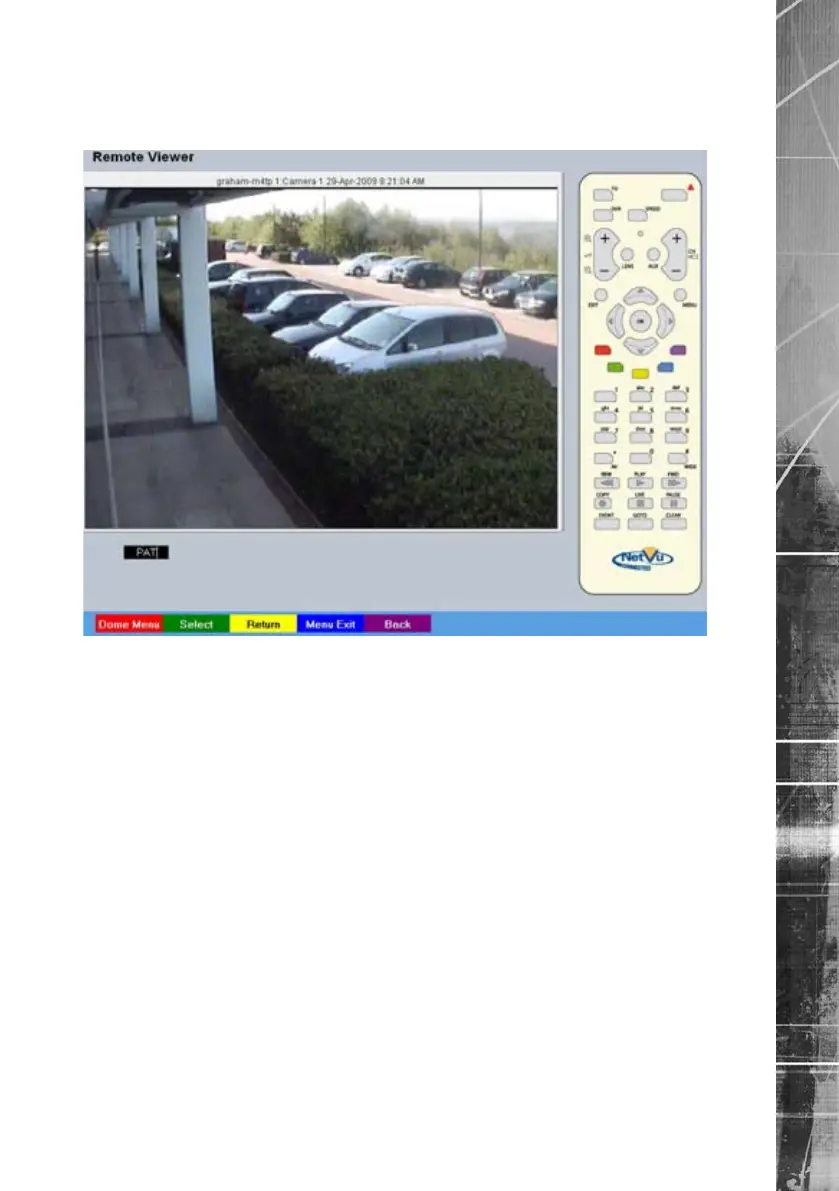
Dome Menu Option
The Dome Menu page allows camera specic menus imbedded on the currently viewed Telemetry
camera to be accessed and congured (if such menus are available).
Red Dome Menu Select to view camera specic sub-menus
embedded on the Telemetry camera (if
applicable). The camera specic menus will be
overlaid across the screen.
Green Select This option enables sub-menu content selection
(dependent on the protocol selected). Please
refer to the specic camera documentation for
further guidance.
Yellow Return This option enabes sub-menus to be exited
(dependent on the protocol selected). Please
refer to the specic camera documentation for
further guidance.
Blue Menu Exit This option will fully exit any embedded camera
sub-menus currently being viewed.
Purple Back Return to the previous page of the Viewer menu
.



 To Next Page