Dedicated Micros ©2009
46
EcoSense
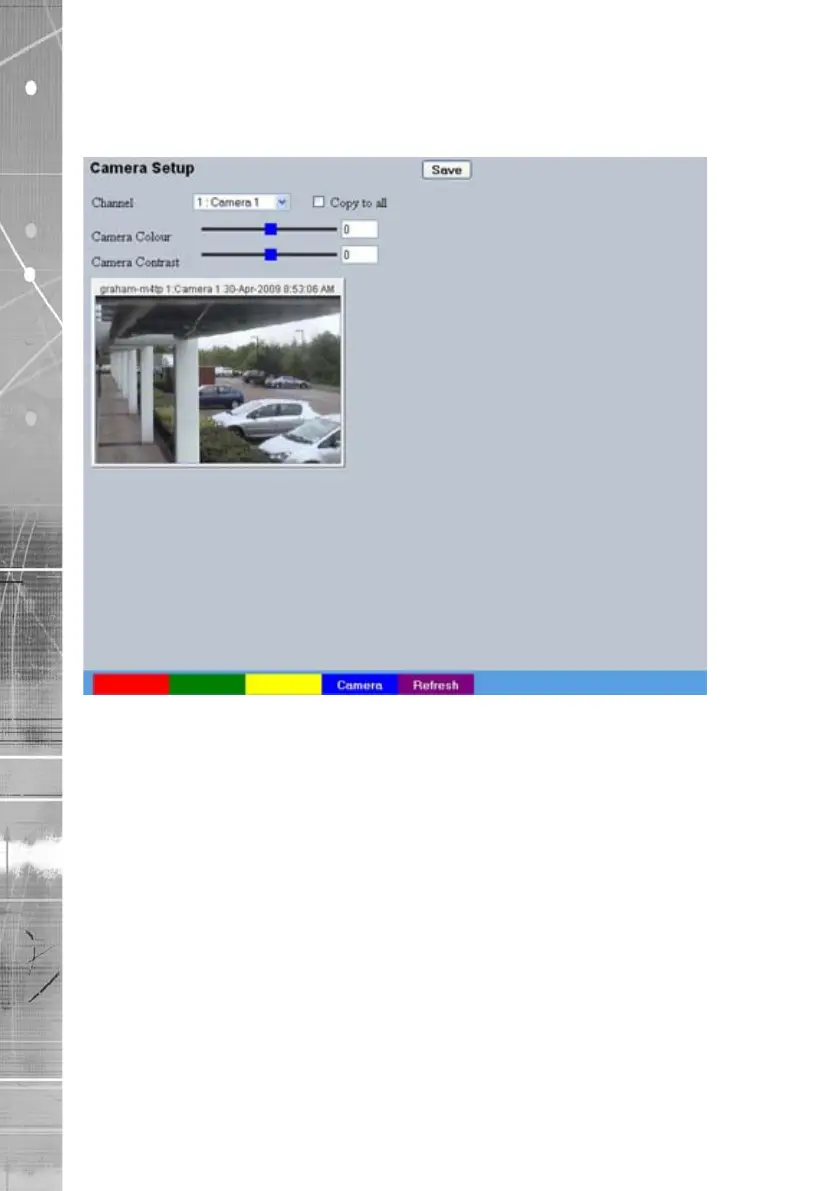
Camera Setup
This menu allows the colour and contrast settings for each individual camera to be adjusted.
Channel Select a camera channel for review and adjustment.
Copy to all Select this option to apply current settings to all
connected cameras.
Camera Colour Select a colour value from -8 to +8 via the slidebar or enter a
number directly into the accompanying textbox.
Camera Contrast Select a contrast value from -8 to +8 via the slidebar or enter a
number directly into the accompanying textbox.



 To Next Page