Dedicated Micros ©2009
31
EcoSense
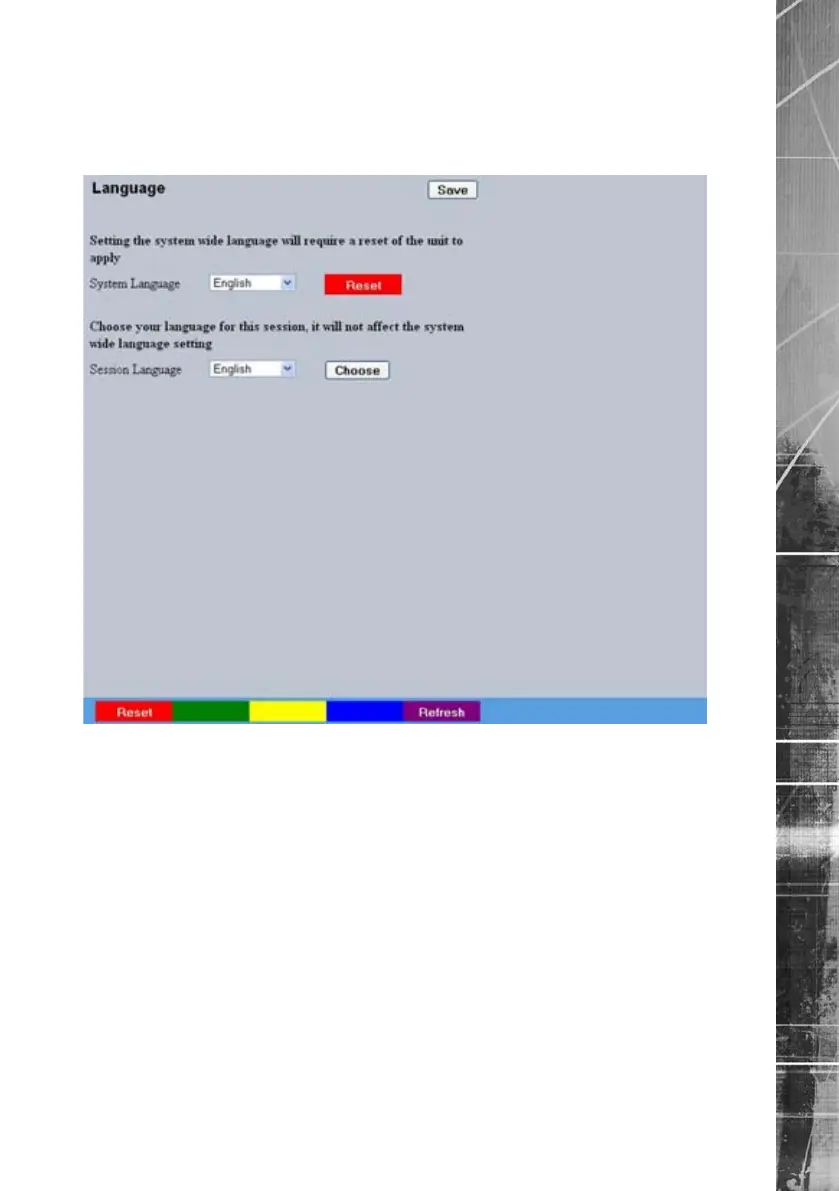
Language
This menu allows the system language to be set. Changing the System Language will effect all
menu pages. If required, the language can also be changed for the current session only.
System Language Select to change the system language setting.
Reset (Red) Select to reset the unit.
Note: The unit MUST be reset to implement system language changes.
Session Language Select to change the language settings for the current
session only.
Choose Select to immediately activate session language changes.



 To Next Page