Need Help? Visit DefenderCameras.com/support
11
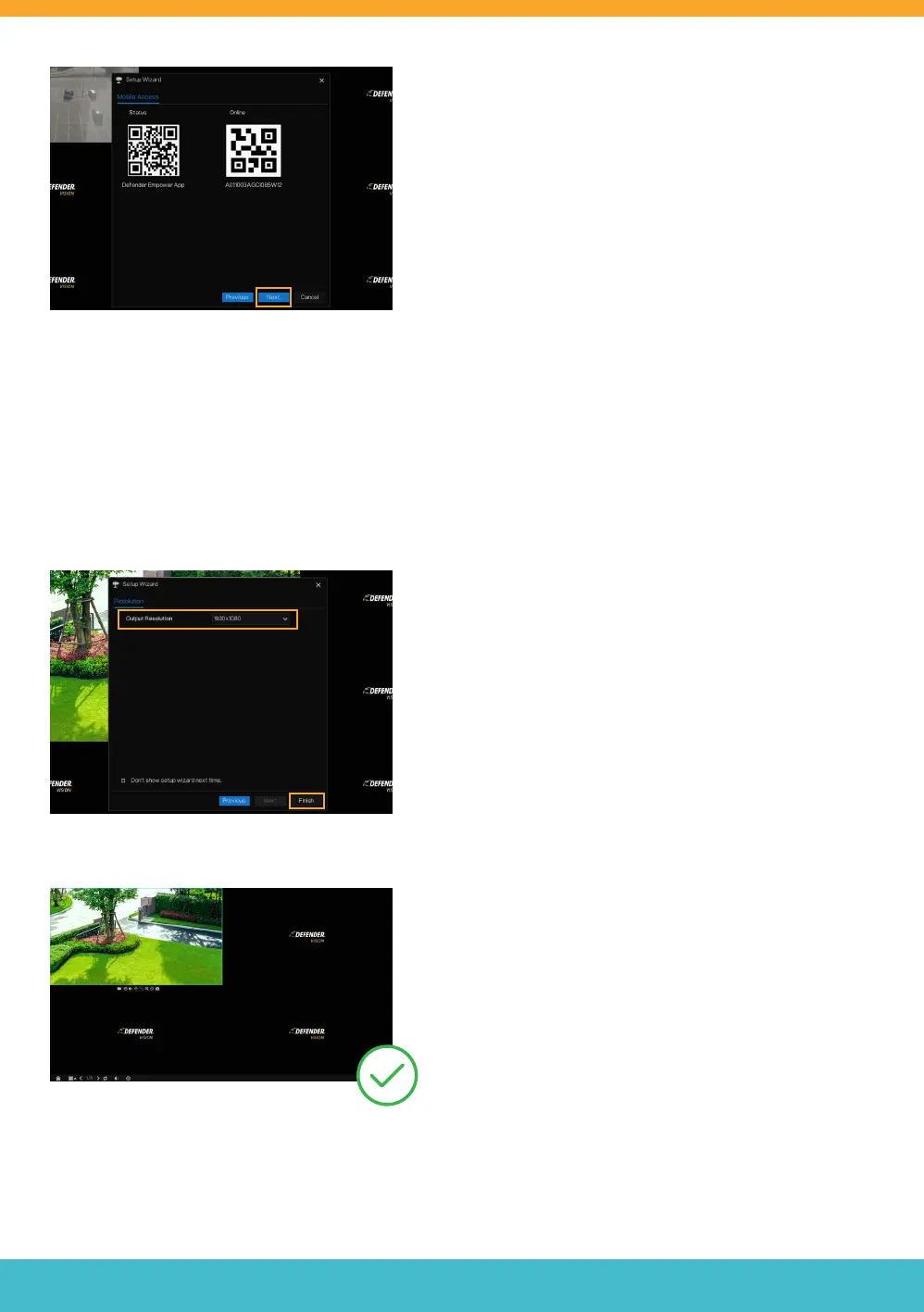
OUTPUT RESOLUTION
We recommend setting the output resolution to match the
resolution of the monitor/TV.
• Select the Output Resolution
• Click “Finish”.
Success! Your DVR is ready for use.
DVR SETUP CONTINUED
• Now that you have completed setting up your Defender
Empower App, click “Next”.
DVR SETUP WIZARD CONTINUED



 To Next Page