proxSafe flexx
5.
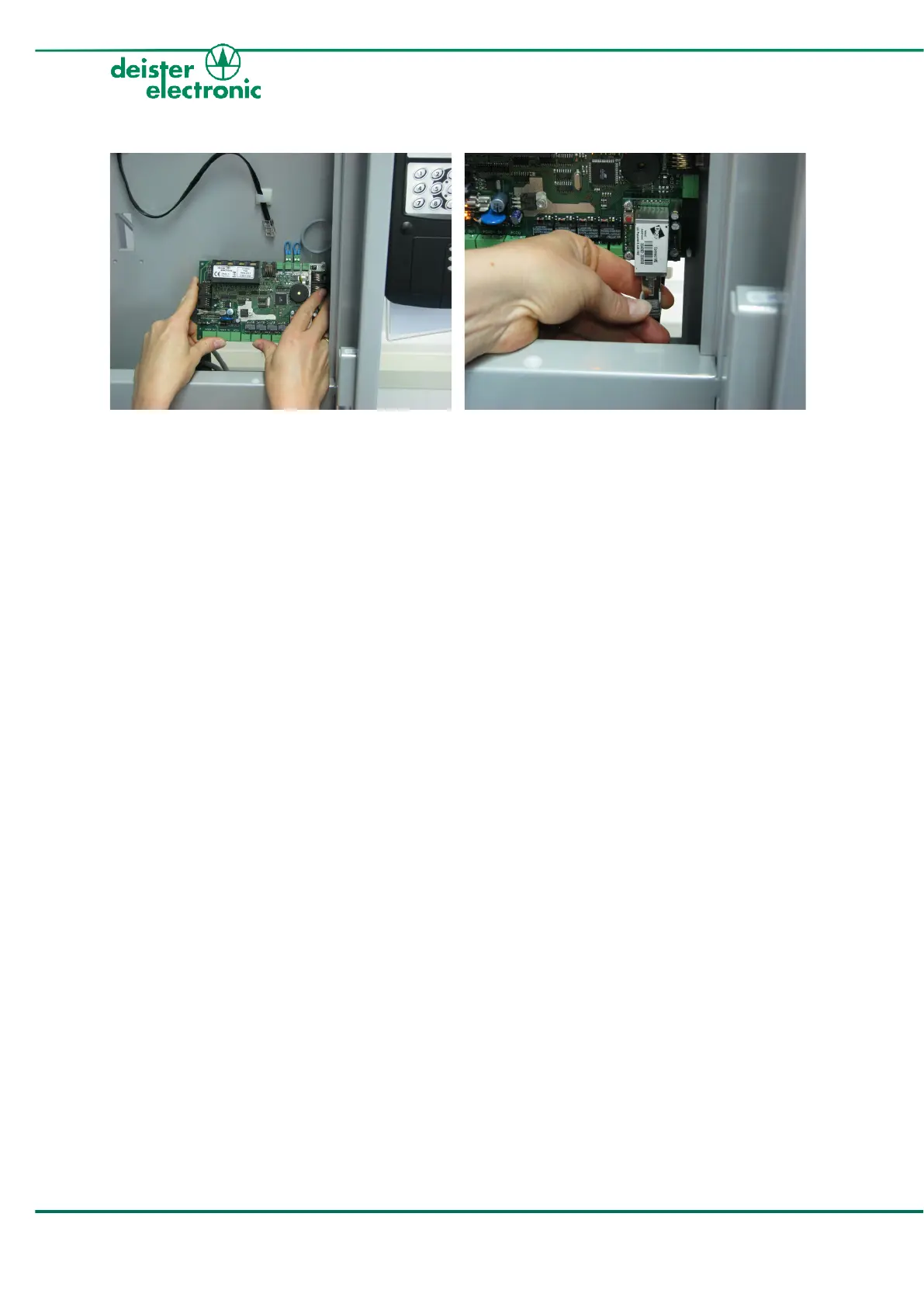
Return the backplane PCB to its position and
carefully click it back on the plastic studs.
6.
Connect the DigiCon to your network with
the network cable, which has been guided
through the cable outlet before mounting
your flexx to the wall (see also 3.4 „Mount
flexx to the wall“).



 To Next Page