proxSafe flexx
3.2 Open flexx
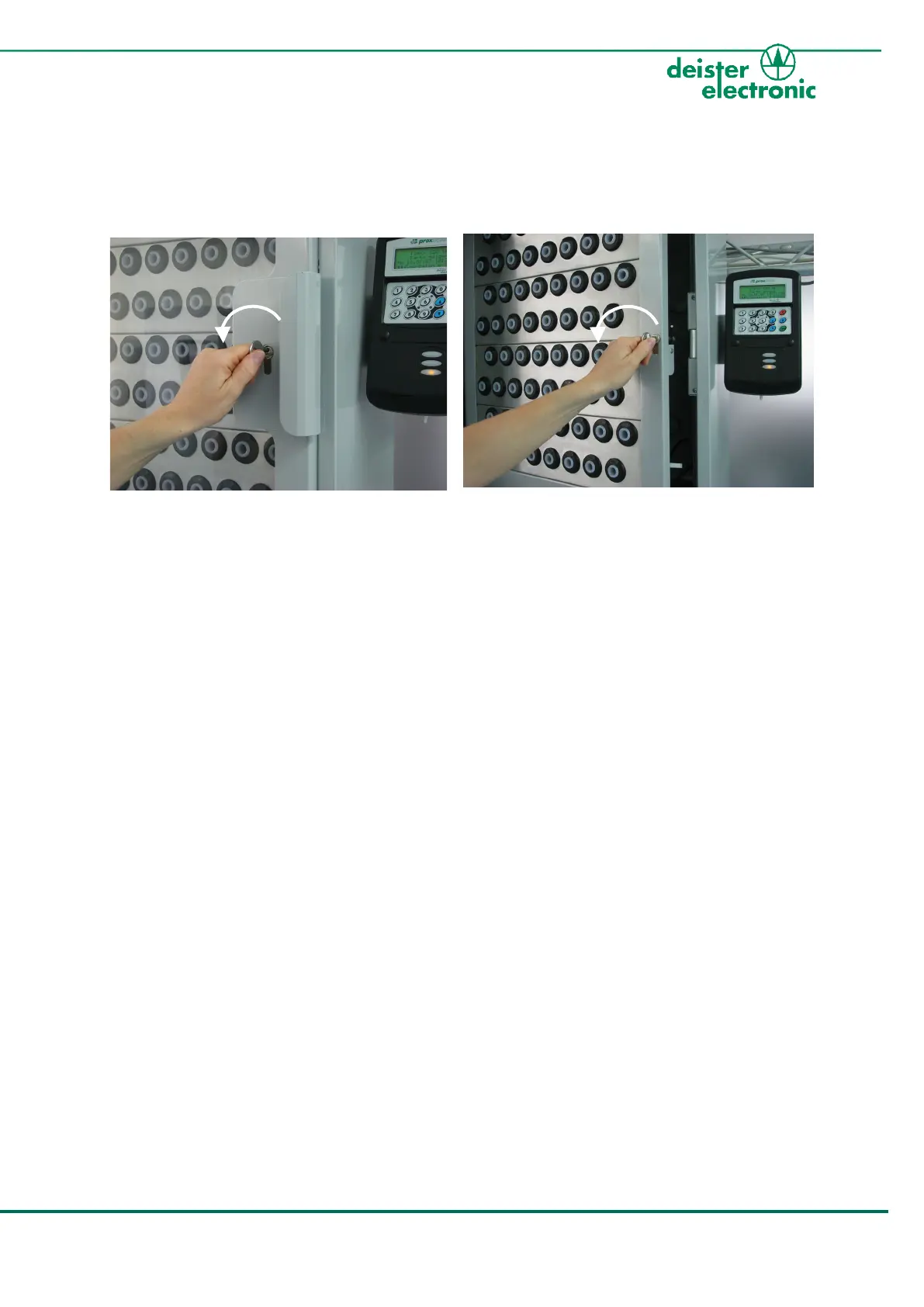
For the further steps of installation you need to open the two doors of the proxSafe flexx:
1.
Insert the front door key into the front door
and turn it anti-clockwise. Then carefully
pull the handle to open the door.
2.
Now insert the service key into the inner service
door and turn it again anti-clockwise. Then
carefully pull to open the service door.
Note:
The standard delivery will provide a flexx housing with a door, that has the locking
cylinder on the right-hand side. If you wish to change the door orientation,
proceed as follows; if not, skip the next steps and continue with chapter 3.3
„Mount Terminal to flexx housing“.



 To Next Page