proxSafe flexx
5.
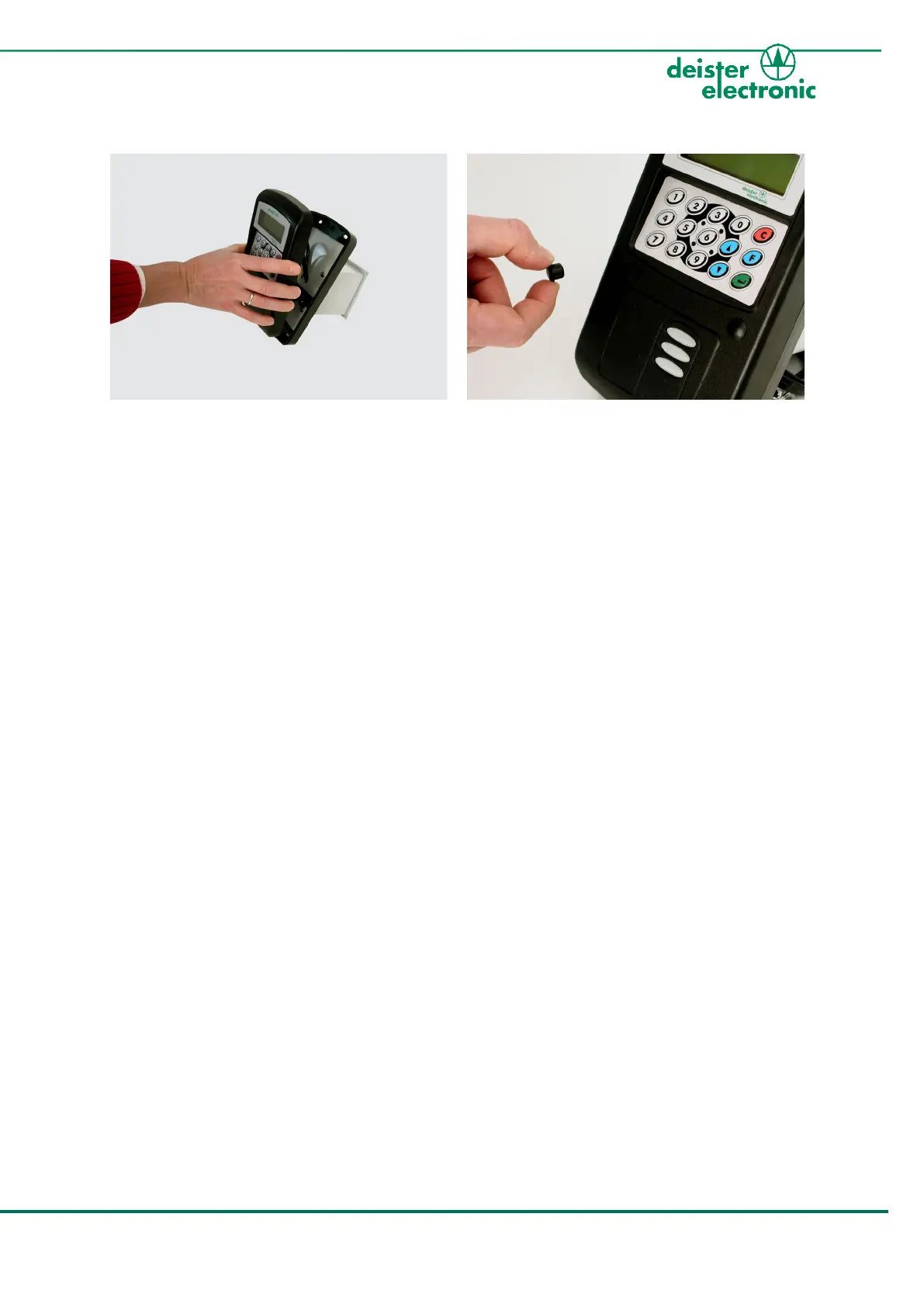
Close the terminal housing and fix the two
housing screws.
6.
Put the two screw covers in place.
In case you want to install the terminal on the left-hand side of the housing, continue with
the next chapter.
If your prefer right-hand side mounting, skip the next steps and continue with 3.2 „Open flexx“
and then 3.3 „Mount Terminal to flexx housing“.



 To Next Page