V1213, 3.18
3.6.3. Edit or rotate the product
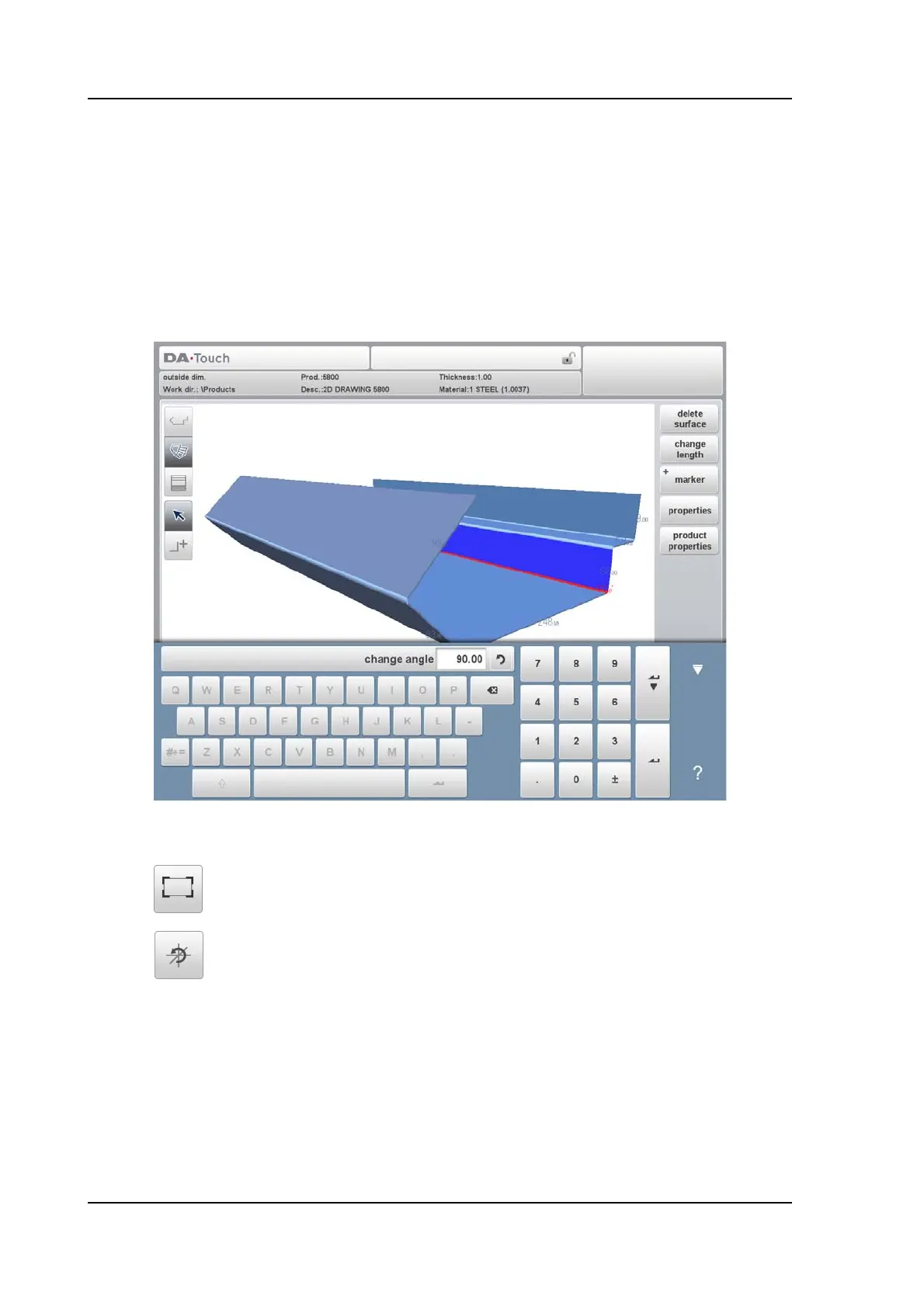
When the cursor is placed on a free edge of the product, it is possible to add a surface to this
edge.
To do so, select a free edge by tapping, tap the Add Surface mode and point where the next
surface has to end. It is also possible, with an opened keyboard, to add the desired angle and
give in the desired surface length.
When the cursor is placed between surfaces, it is not possible to add surfaces. The Add
Surfacemode will not be selected after tapping
Navigation functions
These functions can be used during all operations.
Scale to fit function, to scale the product to fit the view.
Reset rotation, to reset the rotation of the drawing.



 To Next Page