V1213, 3.19
3.7. Edit a 3D drawing
3.7.1. Introduction
A product consists of multiple surfaces, starting with the base surface.
The 3D drawing function offers several functions to draw surfaces and change their shapes.
Shapes with four corners such as a square, a rectangle, a trapezium, a parallelogram or any
random quadrangle are possible.
With the drawing tool you can execute the following manipulations:
1. Add surface
2. Delete surface
3. Change side length
4. Change angle between two connected surfaces
3.7.2. Add surface
Adding a new surface is only possible at a free side of an existing surface. At each side one
other surface can be connected. Adding a surface is done by selecting Add Surface mode and
tapping the desired surface endpoint or entering an angle and a length in this order. The result
will be a new, rectangular surface. The value of the angle entered, or when afterwards
correcting a exact angle value, must be between plus or minus 180 degrees.
Beside the outline of a surface also the contour of a hole is considered as an outline with the
same possibilities. A hole must be entirely in one surface and can have any shape.
A surface or total product can contain more than one hole. Holes cannot be added with the
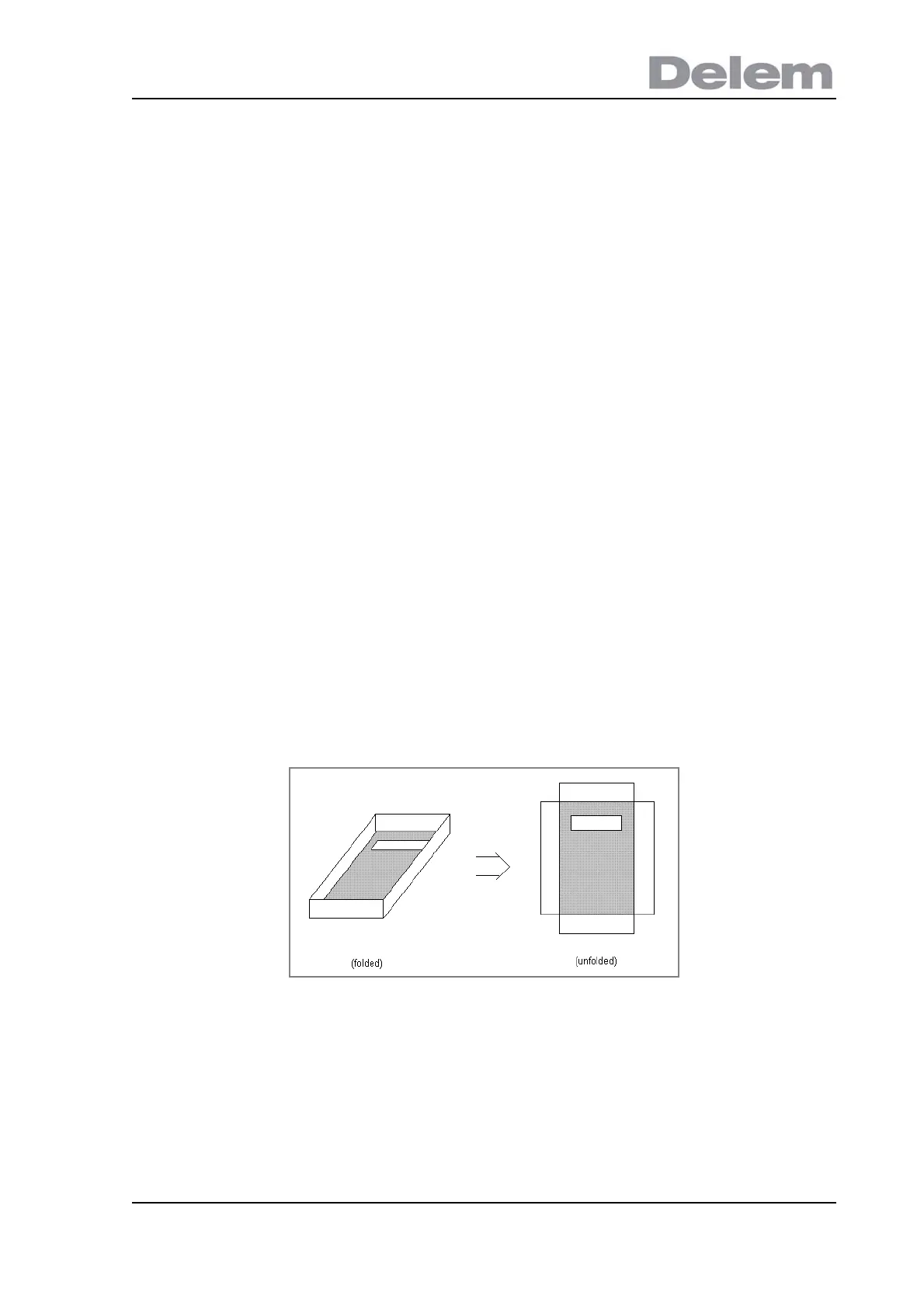
drawing tool. The product drawing of the following figure has 16 outline sides (12 surface
outline sides and 4 hole outline sides) which can be selected.
3.7.3. Delete surface
Deleting a surface is only possible when the surface has only one other connecting surface
and the surface is not the base surface.



 To Next Page