V1213, 3.20
3.7.4. Changing the length of a side
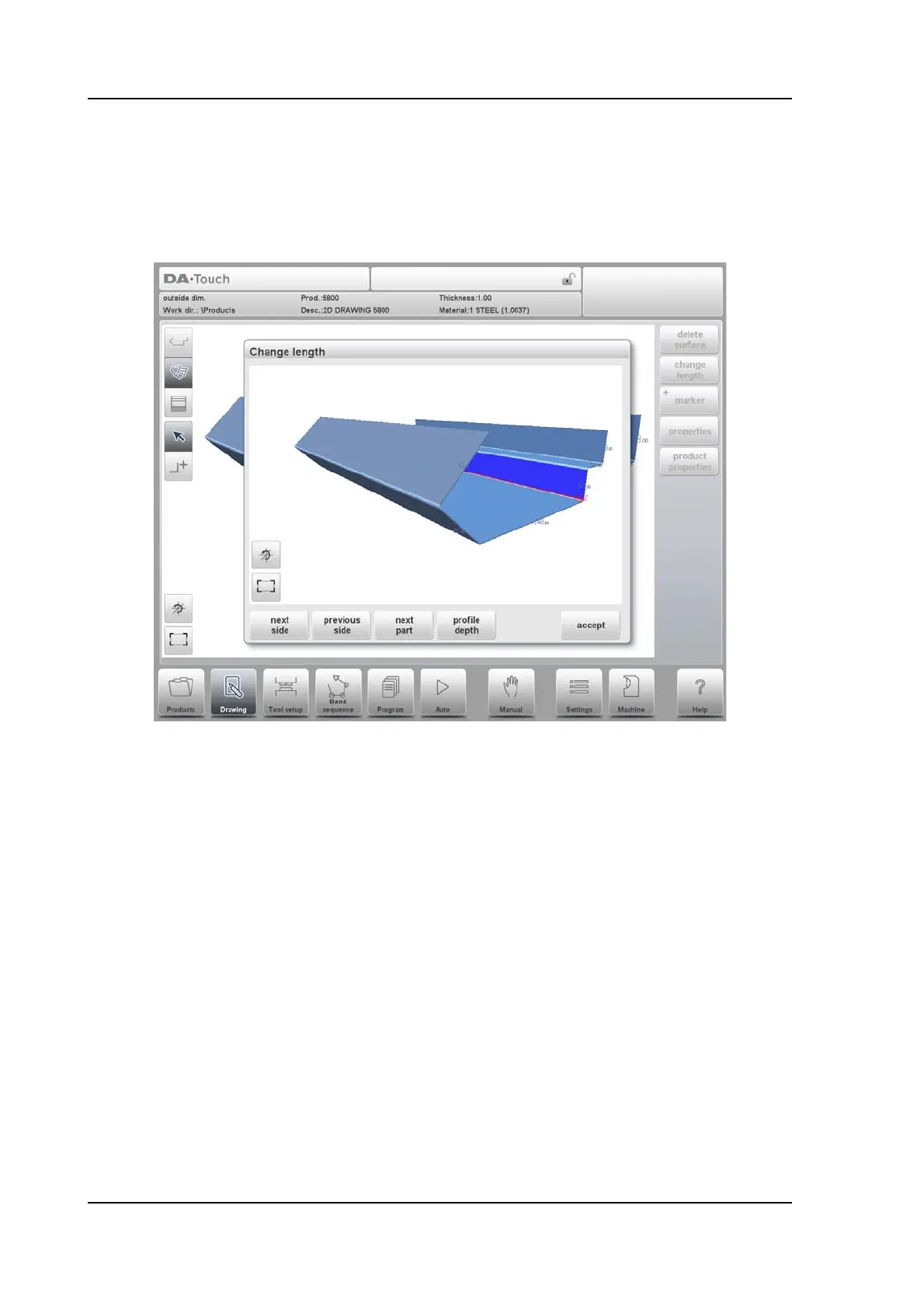
Before changing the length of a side you have to select the side to be changed. Just tap the
desired side to select it. The actual length value is displayed near to the product side and also
in the keyboard input row.
Then you can use Change Length to give in the new length. A pop-up window appears in
which the new length can be programmed. In this window, the function Next Part can be used
to define how to change the length of the side: from both the ends or from only one of the
ends. Enter a negative value to shorten the length with the programmed value or a positive
value as the new length.



 To Next Page