26
|
Installation
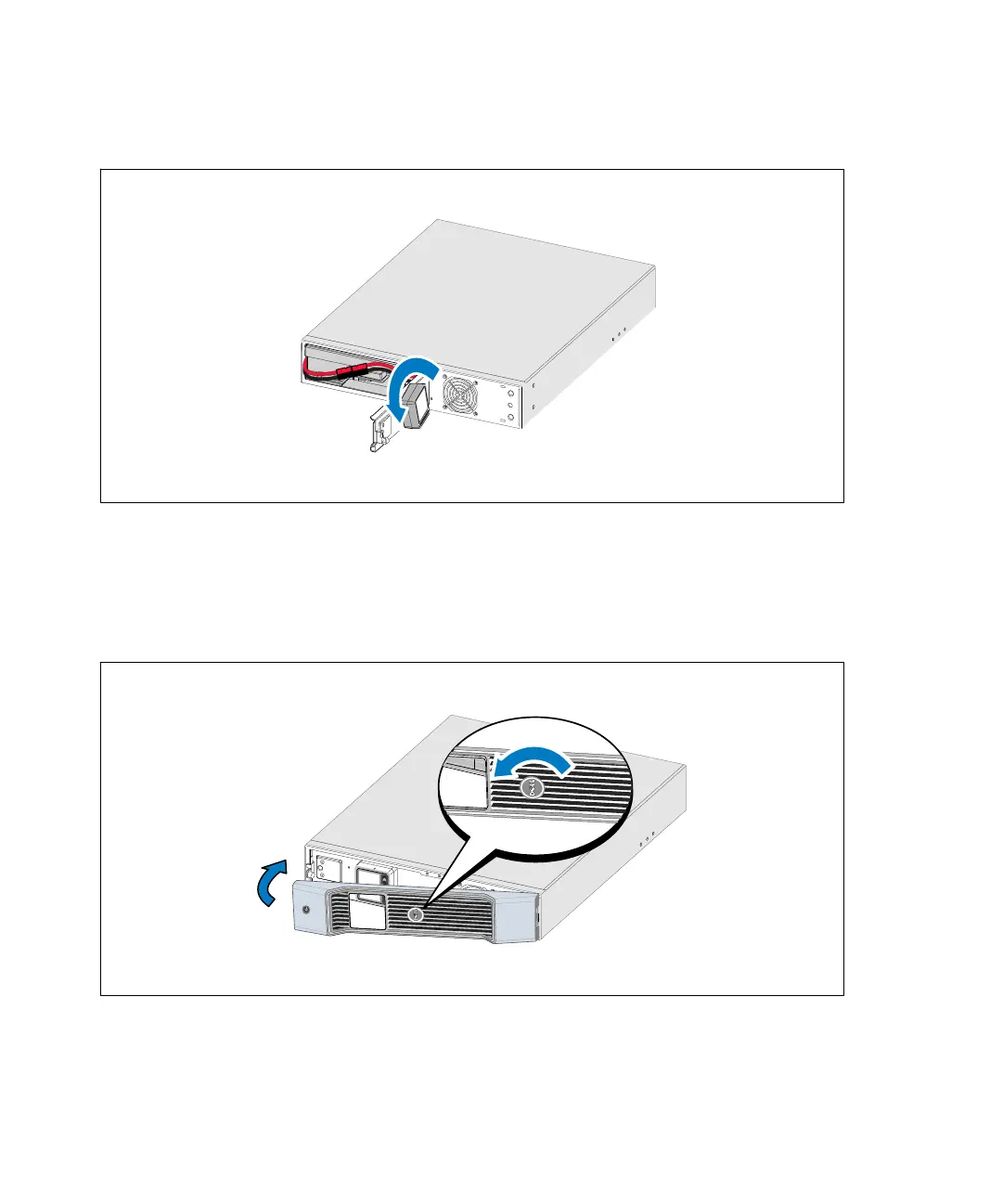
4 Rotate the control panel 90° counterclockwise (see Figure 22).
Figure 22. Adjusting the UPS Control Panel Orientation
5 Close the metal battery cover and tighten the thumbscrew.
Torque the screw to 0.7 Nm (6.2 lb in).
6 Rotate the Dell logo 90° counterclockwise and install the UPS front cover (see Figure 23).
Figure 23. Installing the UPS Front Cover


 To Next Page
 Loading...





