See Solving Problem s for more information.
Setting the Optimal Resolution
1. Right-click on the desktop and select Properties.
2. Select the Settings tab.
3. Set the screen resolution to 1600 x 1200.
4. Click OK.
If you do not see 1600 x 1200 as an option, you may nee d to update your graphics driver. Depending on your computer, complete one of the follow ing procedures.
If you have a Dell™ desktop or portable computer:
Go to support.dell.com, enter your service tag, and download the latest driver for your graphics card.
If you are using a non-Dell™ computer (portable or desktop):
Go to the support site for your compute r and download the late st graphic drivers.
Go to your graphics card website and download the latest graphic drivers.
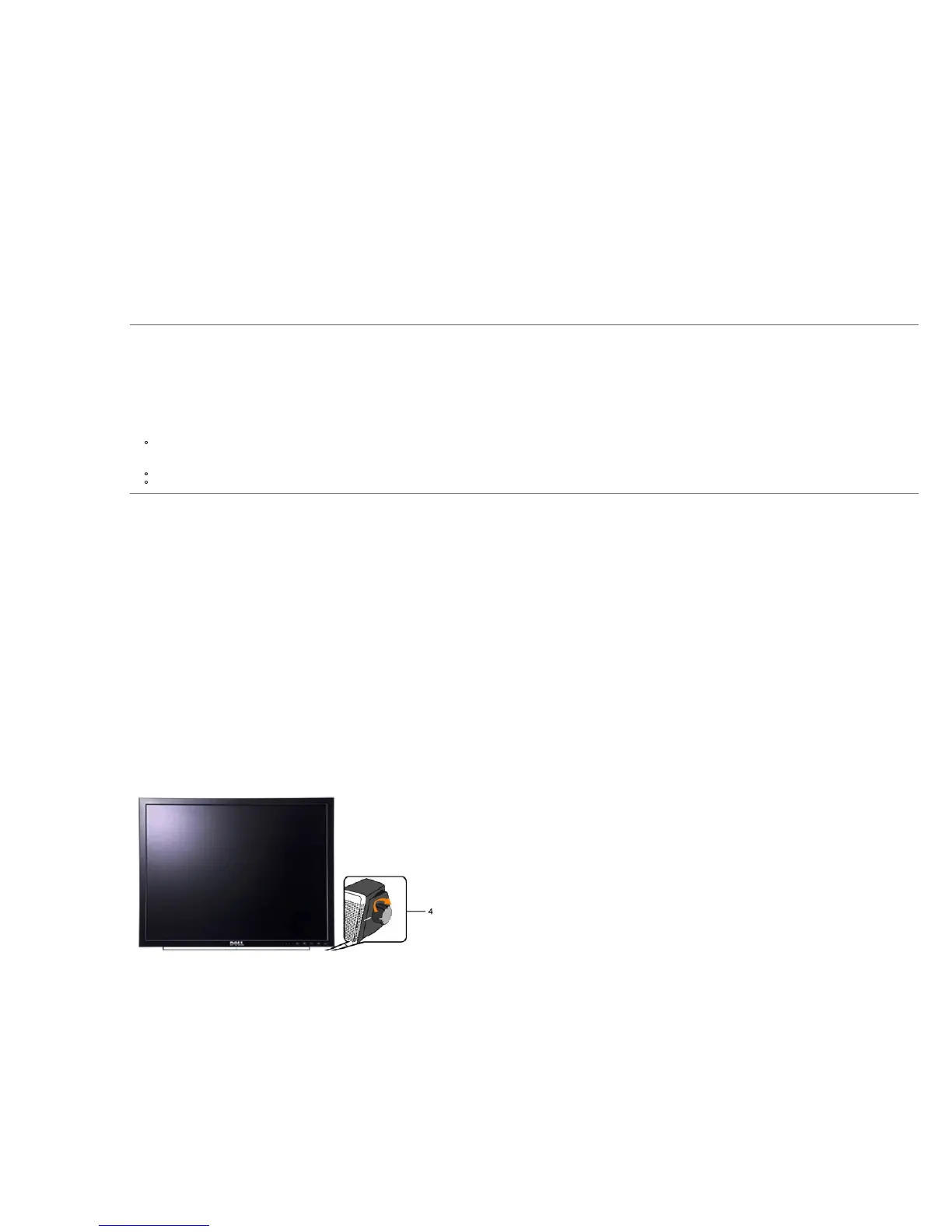
Using the Dell™ Soundbar (Optional)










 To Next Page