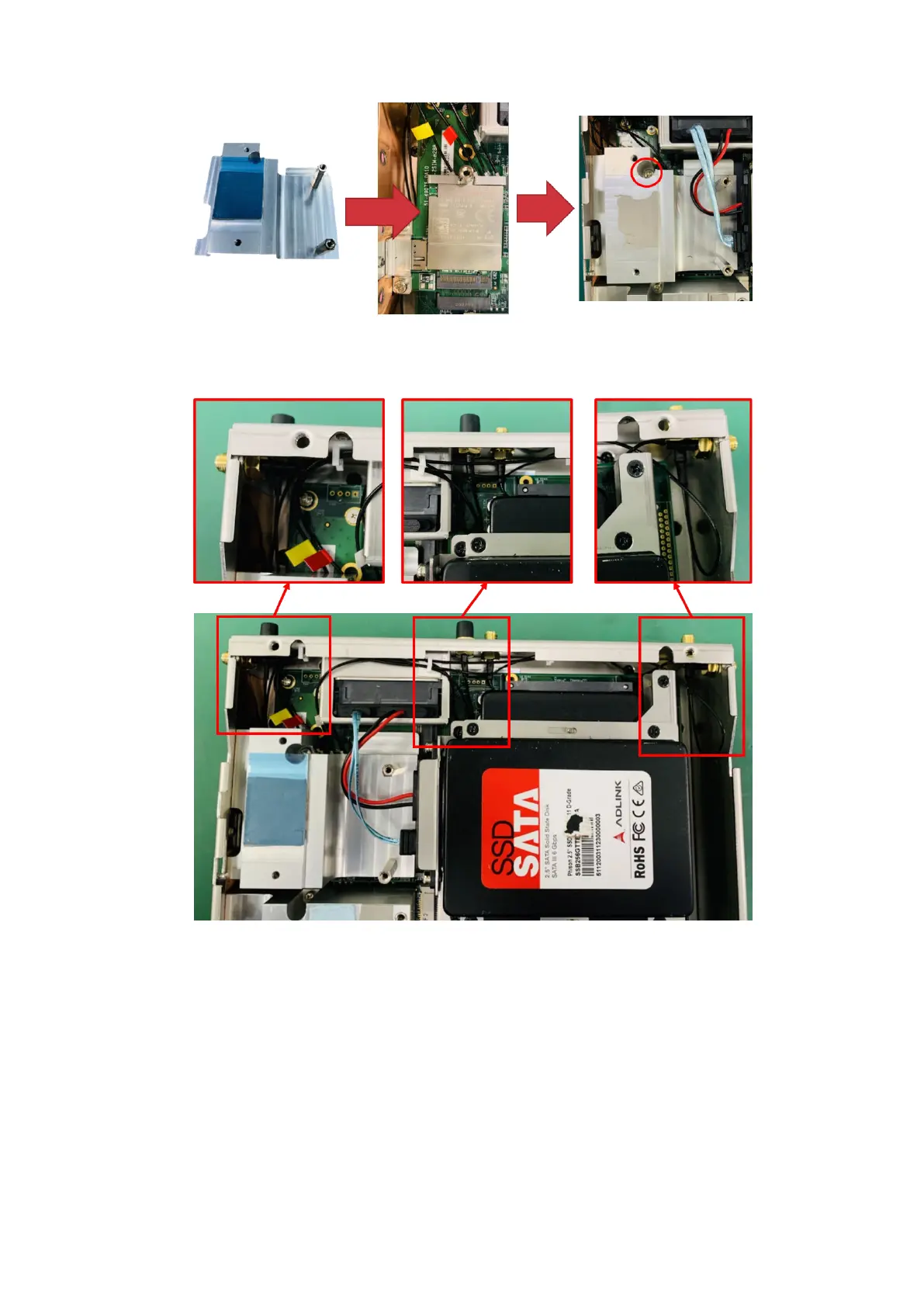
Figure 50. Heat sink installation
13. Organize the SMA cables in the chassis to avoid kinks.
Figure 51. SMA cable organization
14. Use twelve M3 x 4L screws (eight from step 1, four from the Expansion Module contents) to reattach the bottom panel to
the chassis and the heat sink. Remove any thermal pad material from the bottom panel before reinstalling.
Installation procedure for 5G expansion module
33















 To Next Page