Installation procedure for 2x isolated COM
422/485 or 232 uFM module
About this task
Installation requires the removal of WiFi, as well as COM3 and COM4 ports. The four-port COM cable must be replaced with a
dual-port COM cable (included).
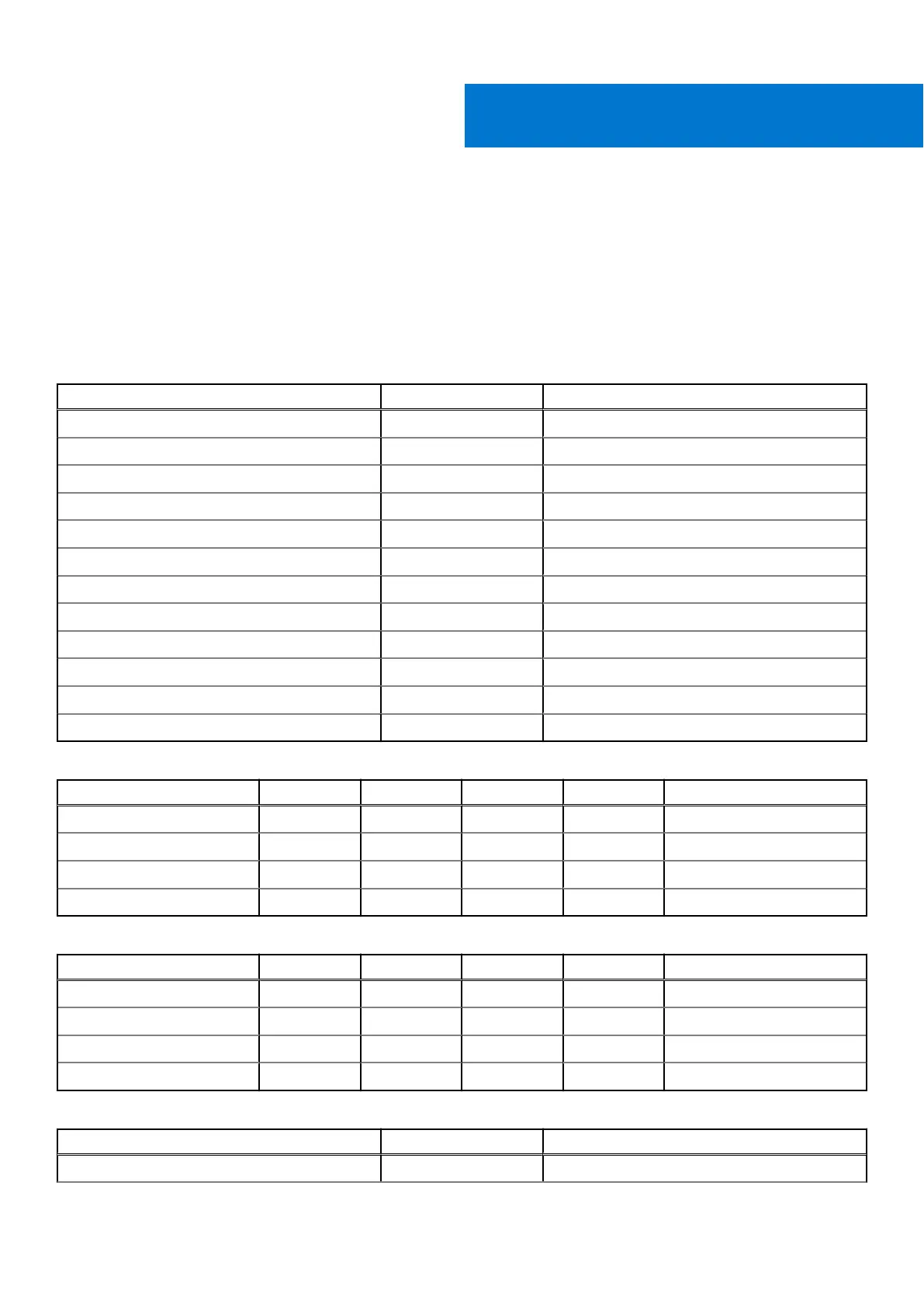
Table 9. Expansion module packing list for RS-422/485
Item Quantity Notes
Screw M3 x 4L 8 Torque required: 4.0 kgf.cm
Screw M2.5 x 6L 2 Torque required: 3.0 kgf.cm
Standoff H4 8 Torque required: 4.5 kgf.cm
Nut M3 4 Torque required: 4.0 kgf.cm
Cable tie 2 -
Rubber cap 2 -
Sheet metal I/O panel 1 -
RS-422 and RS-485 mPCIe 1 -
Dual-port COM cable 1 -
Cable 1 -
Cable 1 -
Cable 1 -
Table 10. RS-422 Innodisk module specifications
Parameters Min Typ Max Units Notes
Baud rate – – 115,200 bps –
VOD 2 – 3.6 V RL = 100 ohm
VIH 2 – – V –
VIL – – 0.8 V –
Table 11. RS-485 Innodisk module specifications
Parameters Min Typ Max Units Notes
Baud rate – – 115,200 bps –
VOD 1.65 – 3.6 V RL = 54 ohm
VIH 2 – – V –
VIL – – 0.8 V –
Table 12. Expansion module packing list for RS-232
Item Quantity Notes
Screw M3 x 4L 8 Torque required: 4.0 kgf.cm
IV
Installation procedure for 2x isolated COM 422/485 or 232 uFM module 35















 To Next Page