Adding and Replacing Parts 111
5
Remove the optical drive, if installed, from the optical drive bay. See "Optical Drive" on page 111.
6
Press the power button to ground the system board.
7
Remove any installed cards from the ExpressCard slot (see page 66) and the 5-in-1 media memory card
reader (see page 68).
8
Close the display and turn the computer upside down on a flat work surface.
9
Remove the hard drive (see page 112).
Optical Drive
CAUTION: Before you begin any of the procedures in this section, follow the safety instructions in the
Product Information Guide.
1
Turn the computer over.
2
Remove the optical-drive security screw.
3
Insert a scribe into the notch and push it to the side to release the drive from the bay.
4
Slide the drive out of the bay.
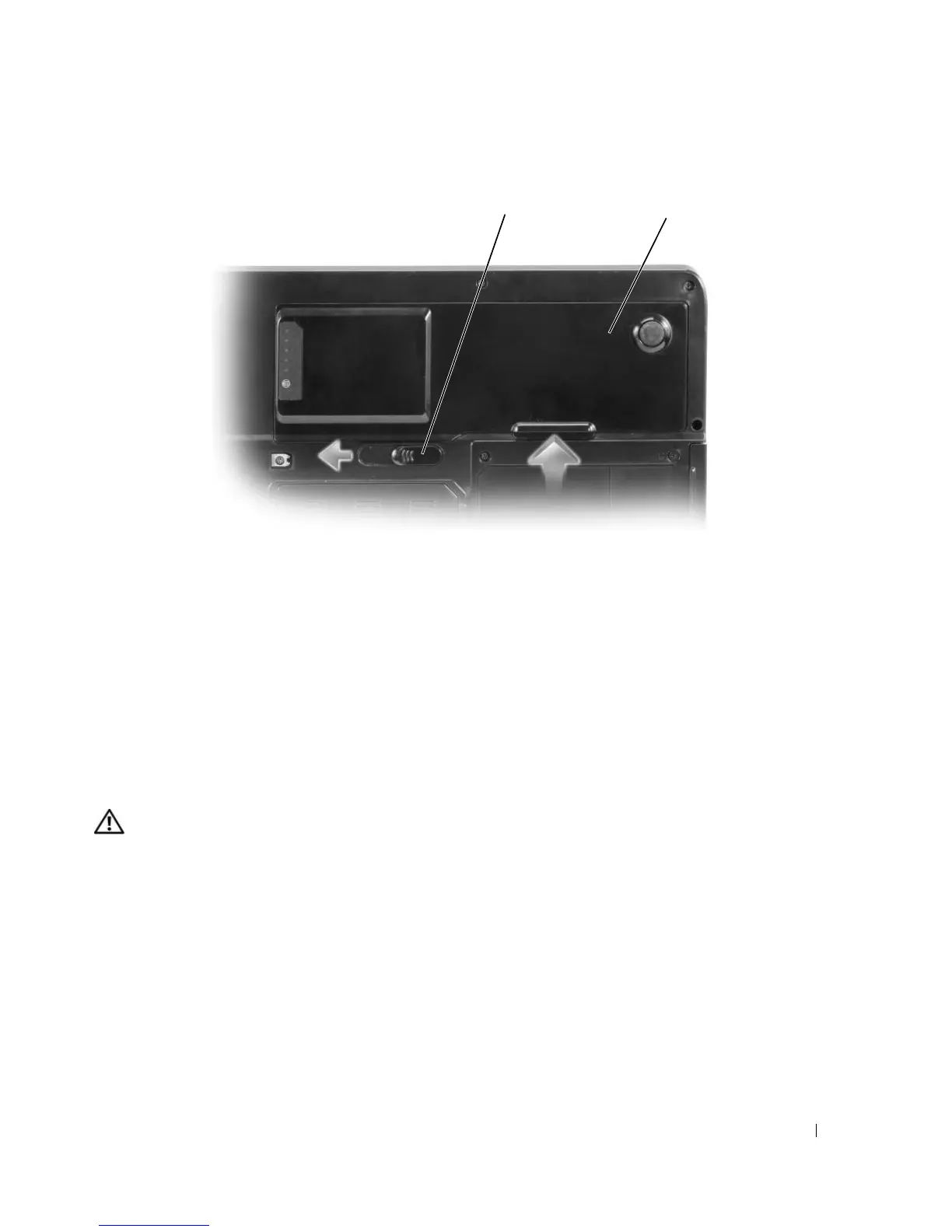
1 battery-bay latch release 2 battery
2
1








 To Next Page