114 Adding and Replacing Parts
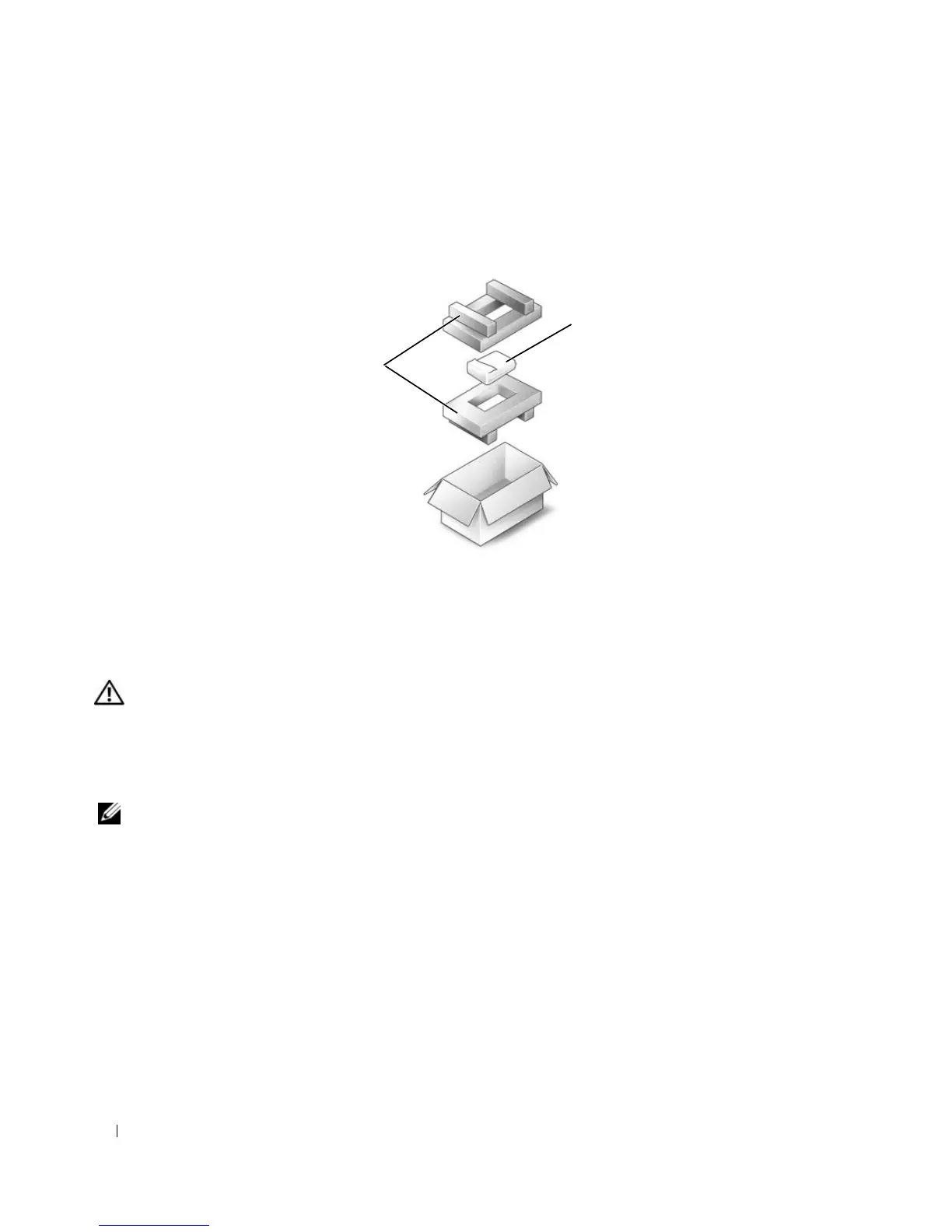
Returning a Hard Drive to Dell
Return your old hard drive to Dell in its original or comparable foam packaging. Otherwise, the hard
drive may be damaged in transit.
Memory
CAUTION: Before you begin any of the procedures in this section, follow the safety instructions in the
Product Information Guide.
You can increase your computer memory by installing memory modules on the system board.
See "Specifications" on page 155 for information on the memory supported by your computer. Install
only memory modules that are intended for your computer.
NOTE: Memory modules purchased from Dell are covered under your computer warranty.
1
Follow the procedures in "Before You Begin" on page 109.
2
Turn the computer over, loosen the captive screws on the memory module cover, and then remove the
memory module cover.
1 foam packaging 2 hard drive
2
1








 To Next Page