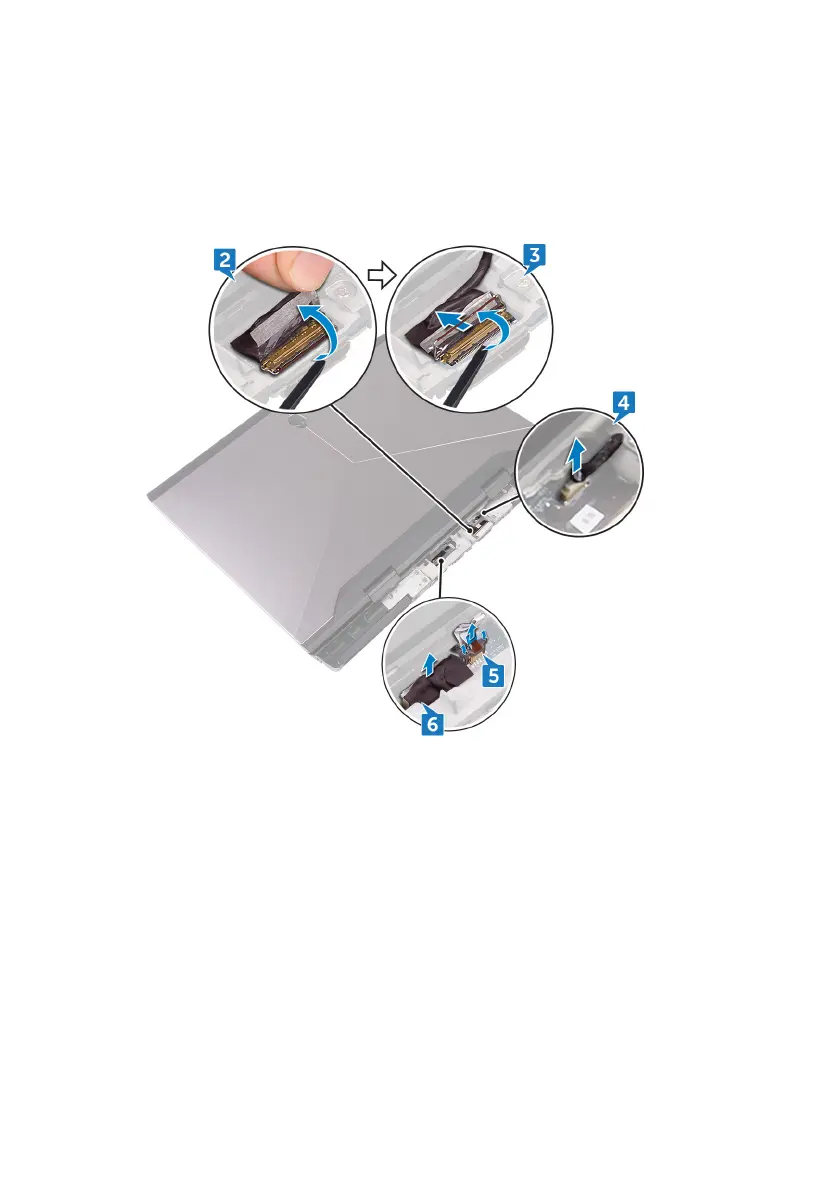
4 Disconnect the tobii eye-tracker board cable (optional) from the system
board.
5 Open the latch and disconnect the power-button board cable from the
system board.
6 Disconnect the logo-board cable from the system board.
7 Turn the computer over.
8 Open the latch and disconnect the macro-keys backlight cable (optional)
from the system board.
9 Open the latch and disconnect the macro-keys cable (optional) from the
system board.
10 Open the latch and disconnect the keyboard-backlight cable (optional) from
the system board.
68












 To Next Page