11
About your monitor
Label Description Use
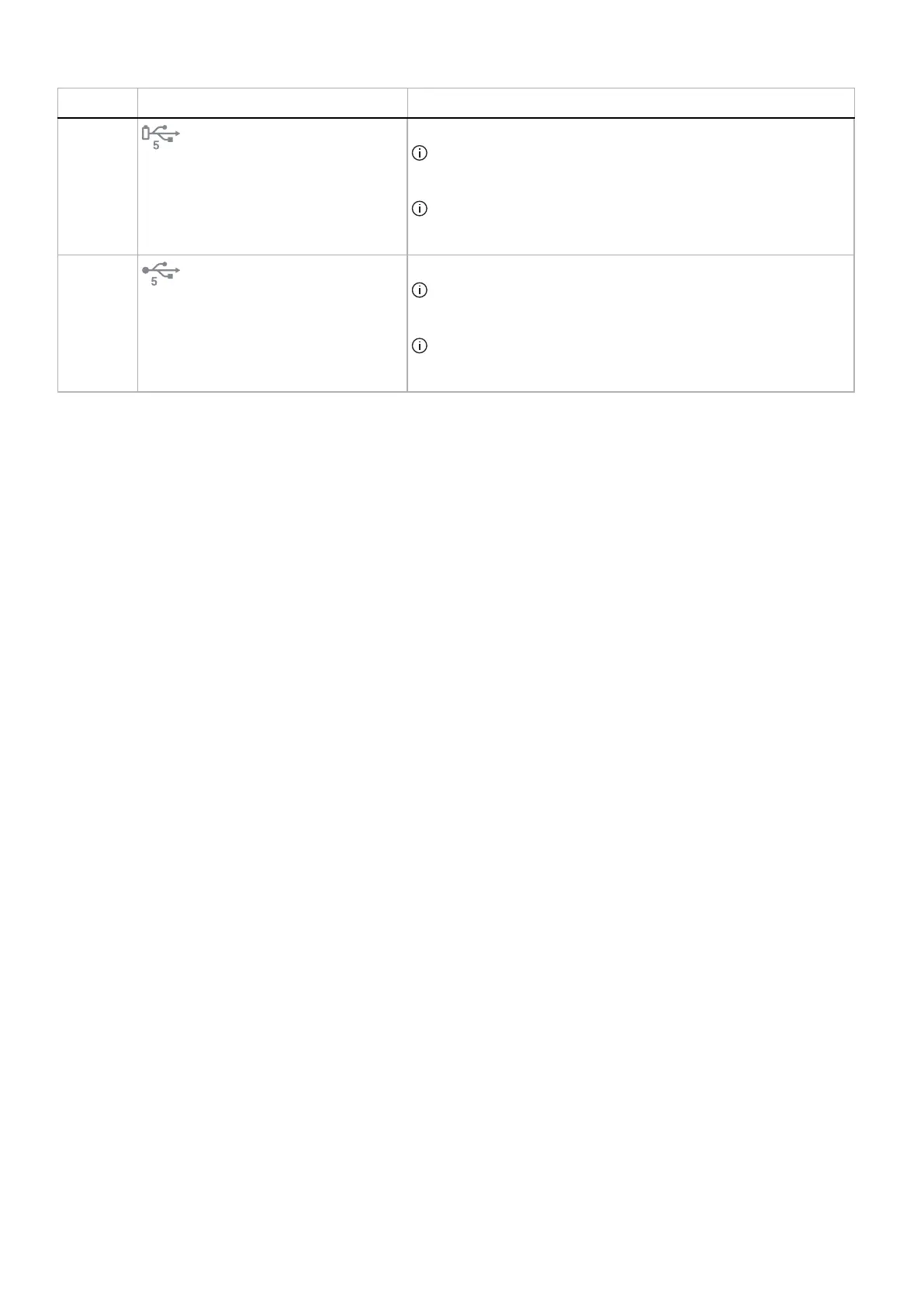
9
USB Type-A downstream port
Connect to charge your USB device.
NOTE: To use this port, you must connect the USB cable (shipped
with your monitor) to the USB upstream port on the monitor and to
your computer.
NOTE: To prevent signal interference, avoid connecting other USB
devices to the adjacent port when using a wireless USB device on a
downstream USB port.
10
USB Type-A downstream port
Connect your USB Type-A device.
NOTE: To use this port, you must connect the USB cable (shipped
with your monitor) to the USB upstream port on the monitor and to
your computer.
NOTE: To prevent signal interference, avoid connecting other USB
devices to the adjacent port when using a wireless USB device on a
downstream USB port.











 To Next Page