8
About your monitor
Identifying parts and controls
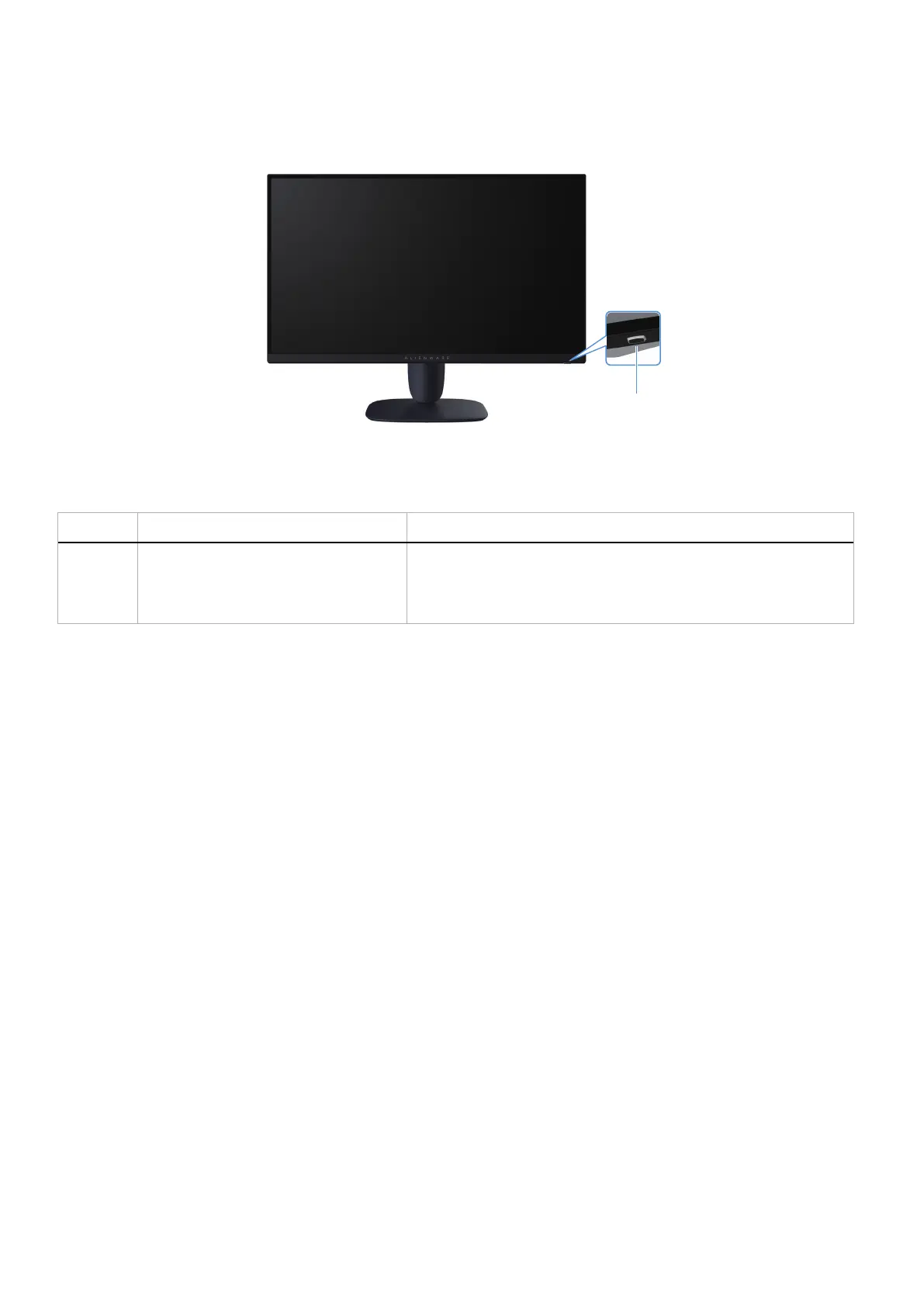
Front view
1
Figure 1. Front view of the monitor
Table 2. Components and descriptions.
Label Description Use
1 Power button (with LED indicator) To turn the monitor on or off.
A solid white light indicates that the monitor is turned on and is
functioning. Blinking white light indicates that the monitor is in Standby
Mode.











 To Next Page