32
Setting up the monitor
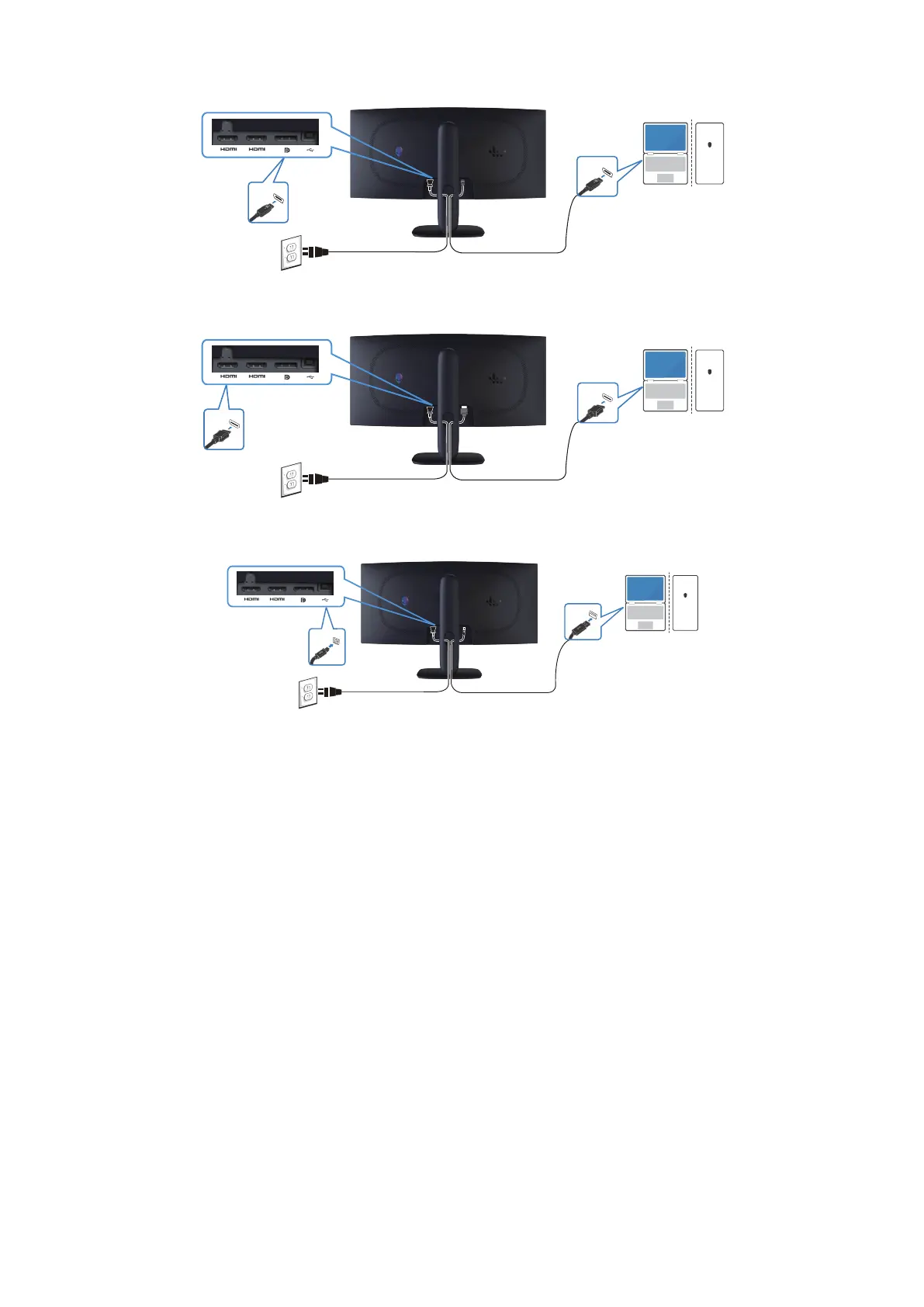
Connecting the DisplayPort (DP to DP) cable
DP 1.4
21
DisplayPort
Figure 22. Connecting the DisplayPort (DP to DP) cable
Connecting the HDMI cable
HDMI
21
HDMI
Figure 23. Connecting the HDMI cable
Connecting the USB Type-B (Type-B to Type-A) cable
USB
21
USB
Figure 24. Connecting the USB Type-B (Type-B to Type-A) cable












 To Next Page