064
064
/
CHAPTER 12: BATTERY
1
2
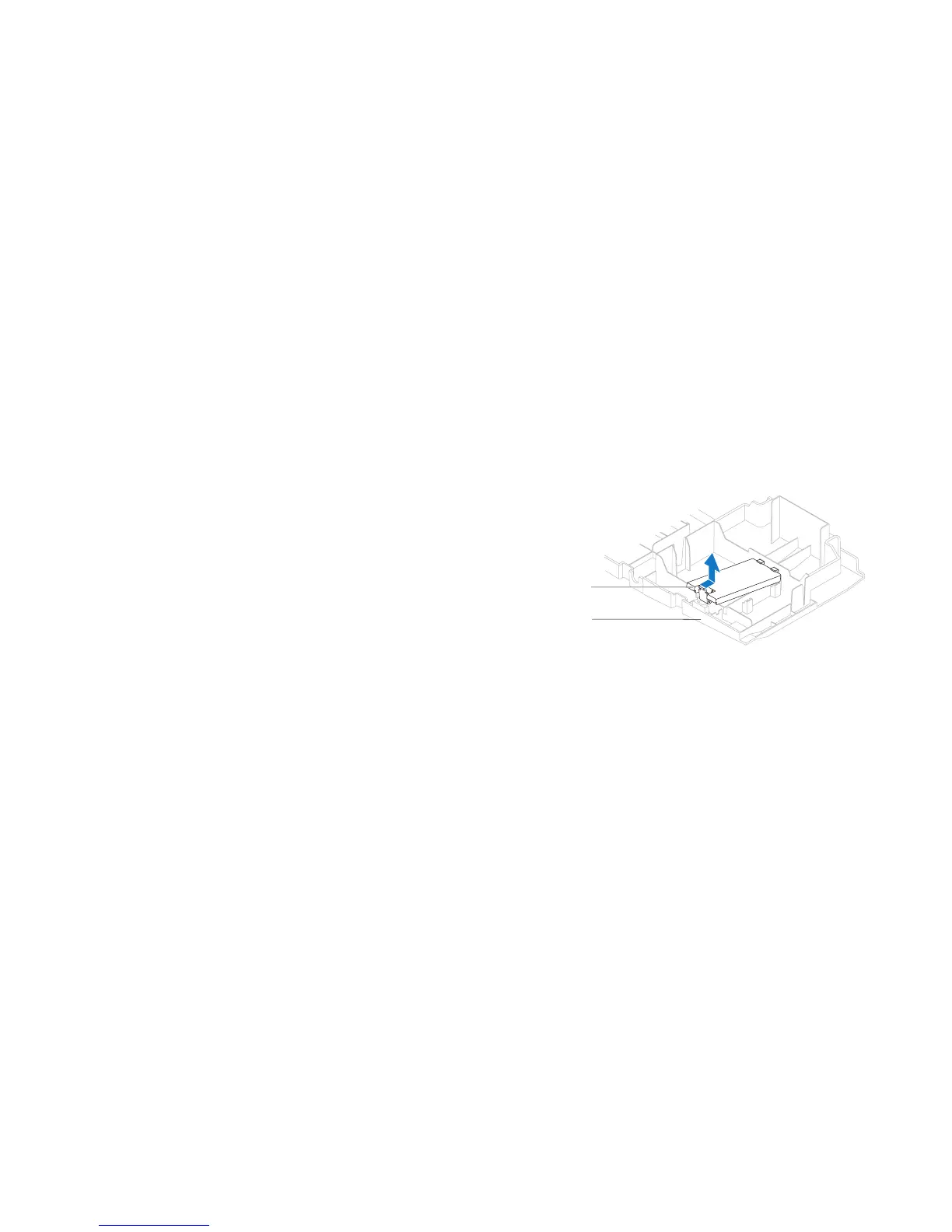
1 theater-lighting
battery-compartment door
2 drive-bay shroud
Removing the eater-Lighting Batteries
Follow the instructions in “Before You Begin” on page 1. 6.
Remove the left side-panel (see “Removing the Left Side-Panel“ on page 2. 11).
Open the PCI shroud (see “Opening the PCI Shroud“ on page 3. 18).
Remove the drive-bay shroud (see “Removing the Drive-Bay Shroud” on 4.
page 19).
Turn the drive-bay shroud over.5.
Open the theater-lighting battery compartment door.6.
Remove the two batteries (AA rechargeable) from the theater-lighting 7.
battery compartment.










 To Next Page