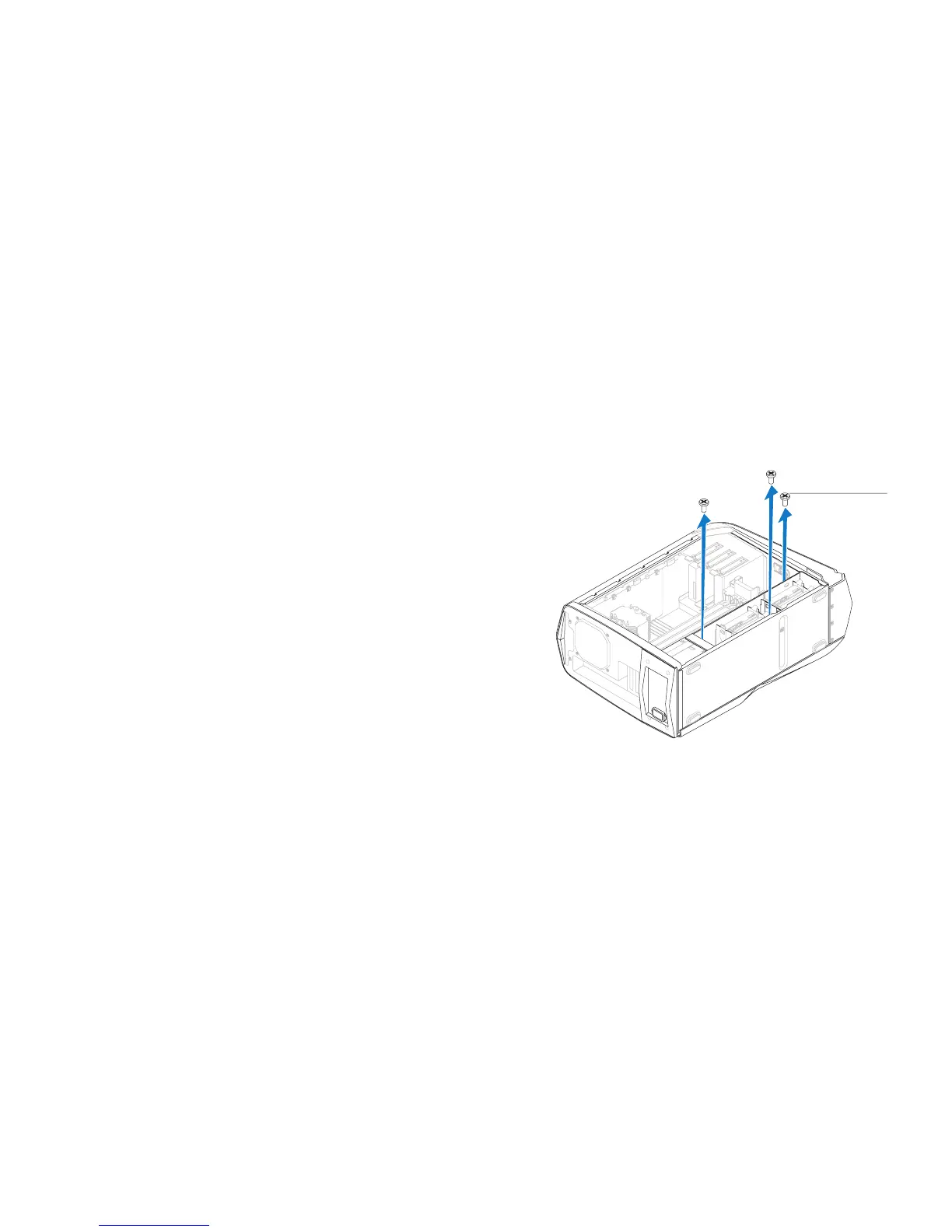
1 screws (3)
Removing the Right Side-Panel(s)
Follow the instructions in “Before You Begin” on page 1. 6.
Remove the left side-panel (see “Removing the Left Side-Panel“ on page 2. 11).
Open the PCI shroud (see “Opening the PCI Shroud“ on page 3. 18).
Remove the drive-bay shroud (see “Removing the Drive-Bay Shroud” on 4.
page 19).
Remove the power-supply cover (see “Removing the Power Supply“ on 5.
page 57).
Remove the hard-drive fan assembly (see “Removing the Hard-Drive Fan 6.
Assembly” on page 42).
Remove the three screws that secure the right side-panel(s) to the chassis.7.










 To Next Page