Clearing jams
Carefully select paper and specialty media and load it properly to avoid most jams. If jams do occur, then follow the
steps outlined in this chapter.
Note: Jam recovery is set to Auto by default. The printer reprints jammed pages unless the memory required to hold
the pages is needed for other printer tasks.
Avoiding jams
Load paper properly
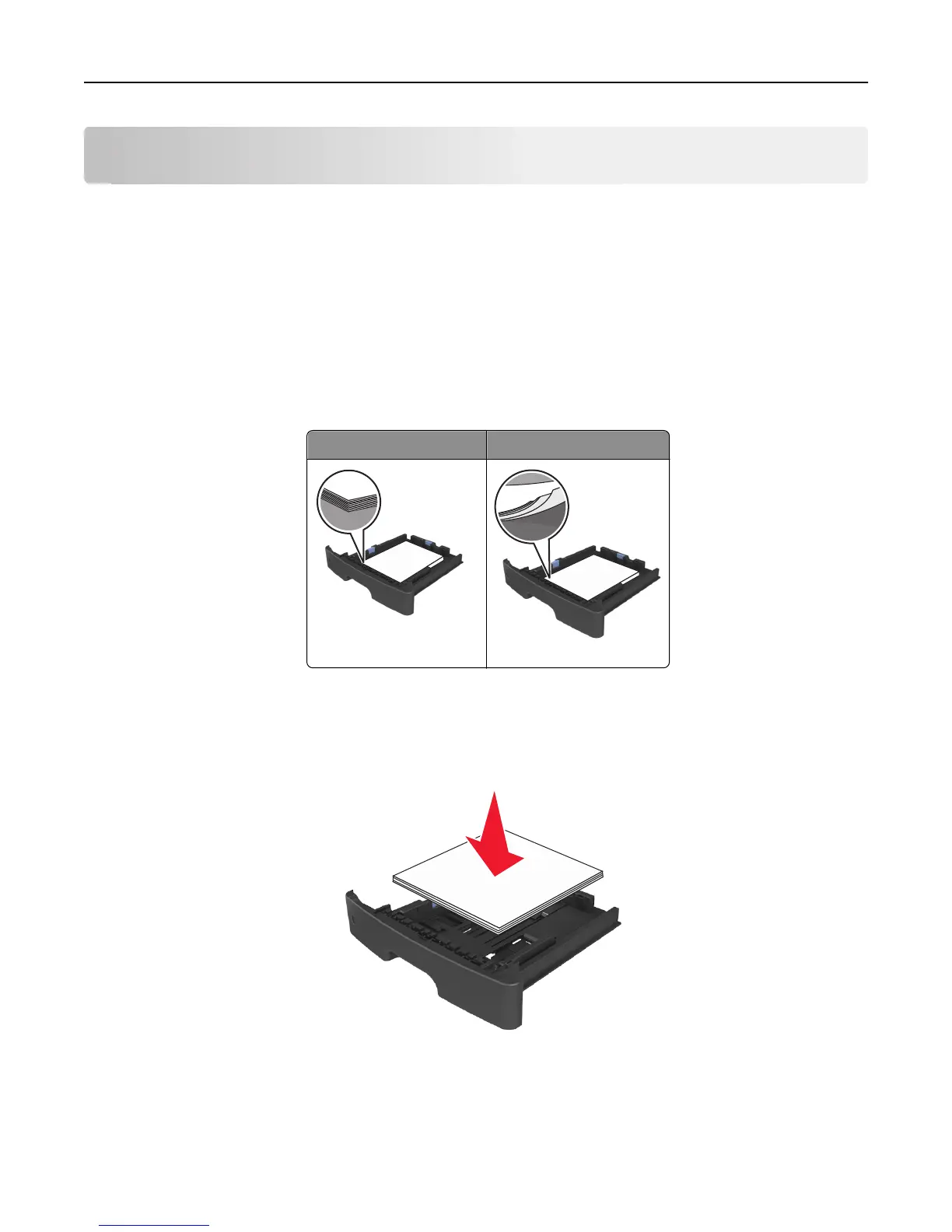
• Make sure paper lies flat in the tray.
Correct loading of paper Incorrect loading of paper
• Do not remove a tray while the printer is printing.
• Do not load a tray while the printer is printing. Load it before printing, or wait for a prompt to load it.
• Do not load too much paper. Make sure the stack height is below the maximum paper fill indicator.
• Do not slide the paper into the tray. Load paper as shown in the illustration.
• Make sure the guides in the tray or the multipurpose feeder are properly positioned and are not pressing tightly
against the paper or envelopes.
• Push the tray firmly into the printer after loading paper.
Clearing jams 102













 To Next Page