Jam, tray [x] [24y.xx]
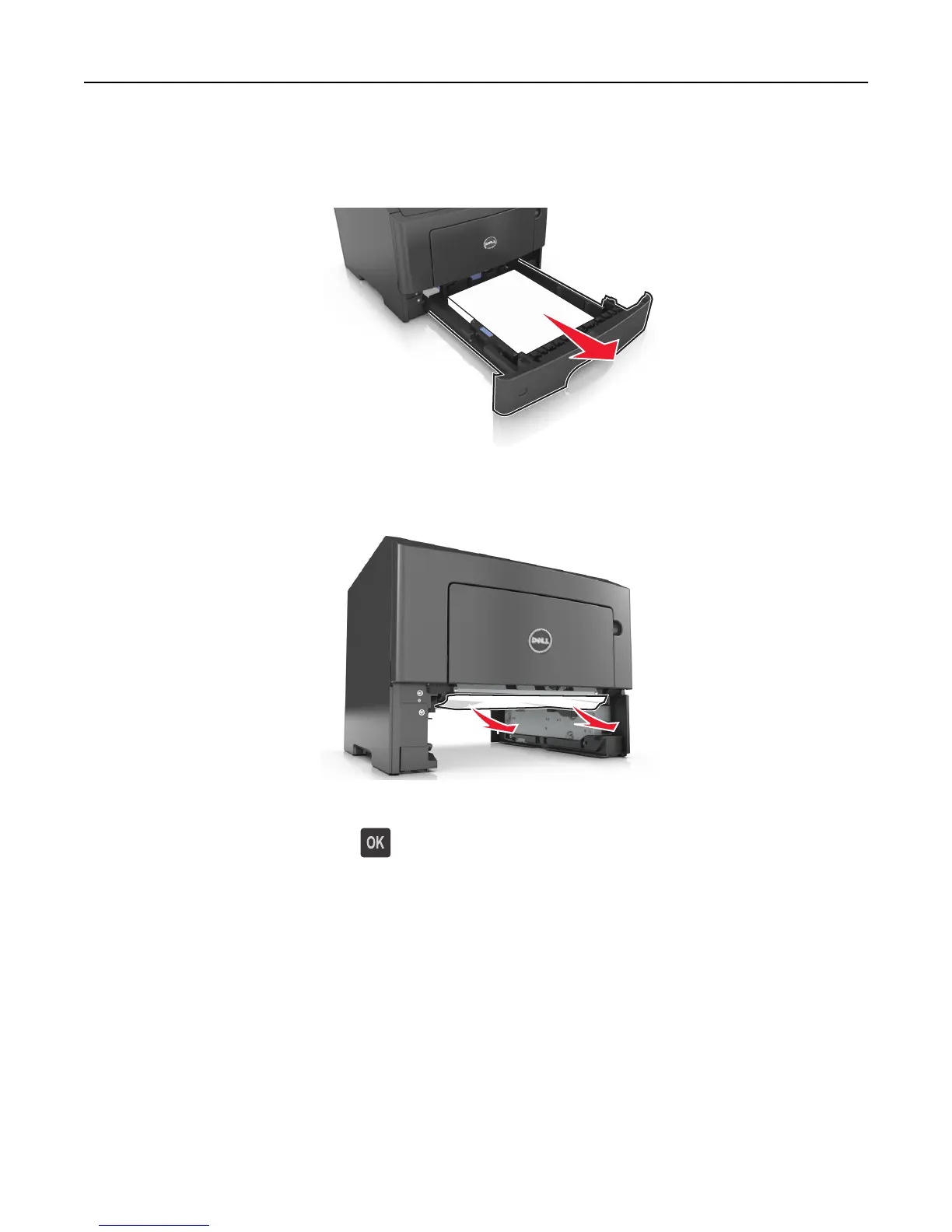
1 Pull out the tray completely.
2 Firmly grasp the jammed paper on each side, and then gently pull it out.
Note: Make sure all paper fragments are removed.
3 Insert the tray.
4 From the printer control panel, press to clear the message and continue printing.
Jam, MP feeder [250.xx]
1 From the multipurpose feeder, firmly grasp the jammed paper on each side, and then gently pull it out.
Note: Make sure all paper fragments are removed.
Clearing jams 111













 To Next Page