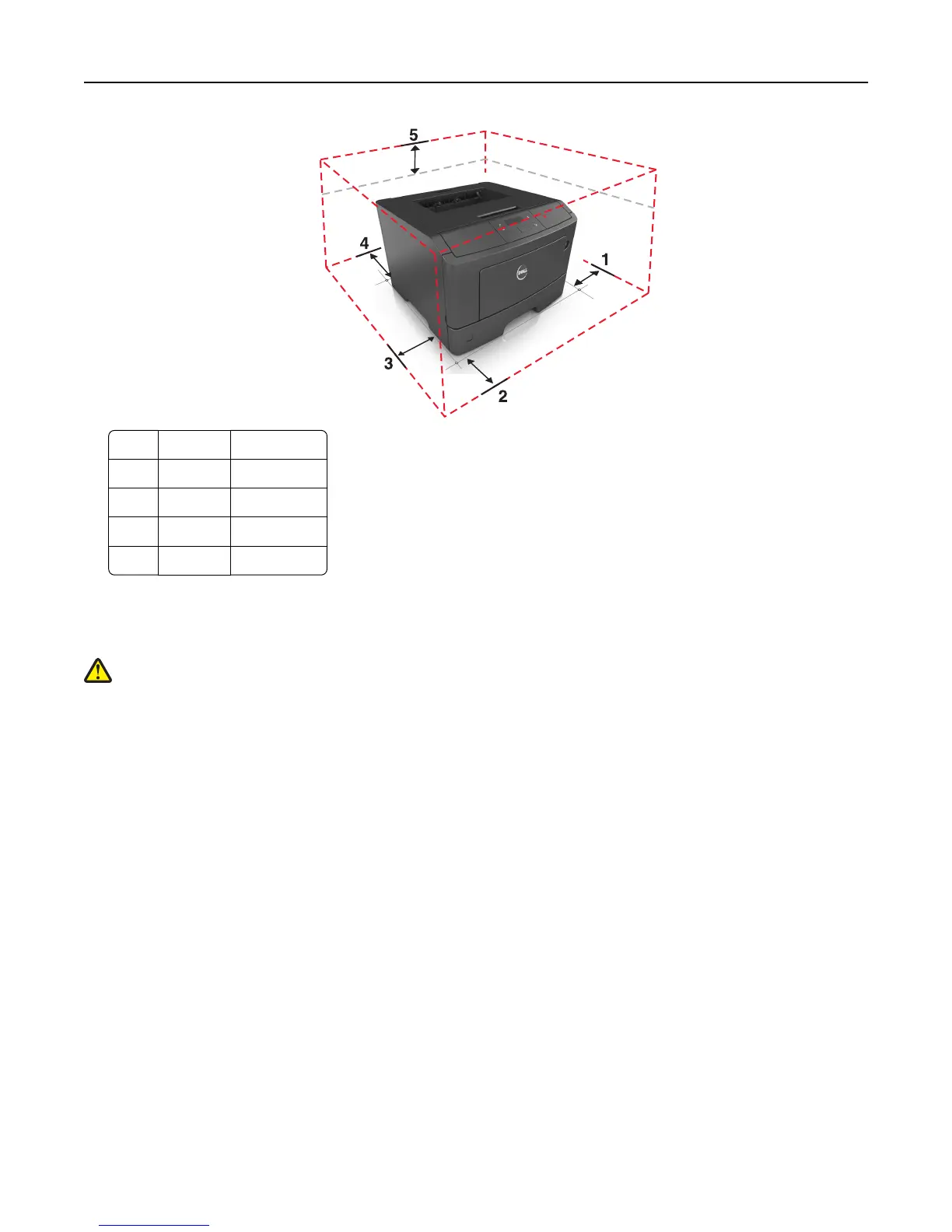
1 Right side 30 cm (12 in.)
2 Front 51 cm (20 in.)
3 Left side 20 cm (8 in.)
4 Rear 20 cm (8 in.)
5 Top 30 cm (12 in.)
Printer configurations
CAUTION—POTENTIAL INJURY: To reduce the risk of equipment instability, load each tray separately. Keep all
other trays closed until needed.
You can configure your printer by adding one optional 550‑sheet tray. For instructions on installing the optional tray,
see “Installing an optional tray” on page 19.
Learning about the printer 9













 To Next Page