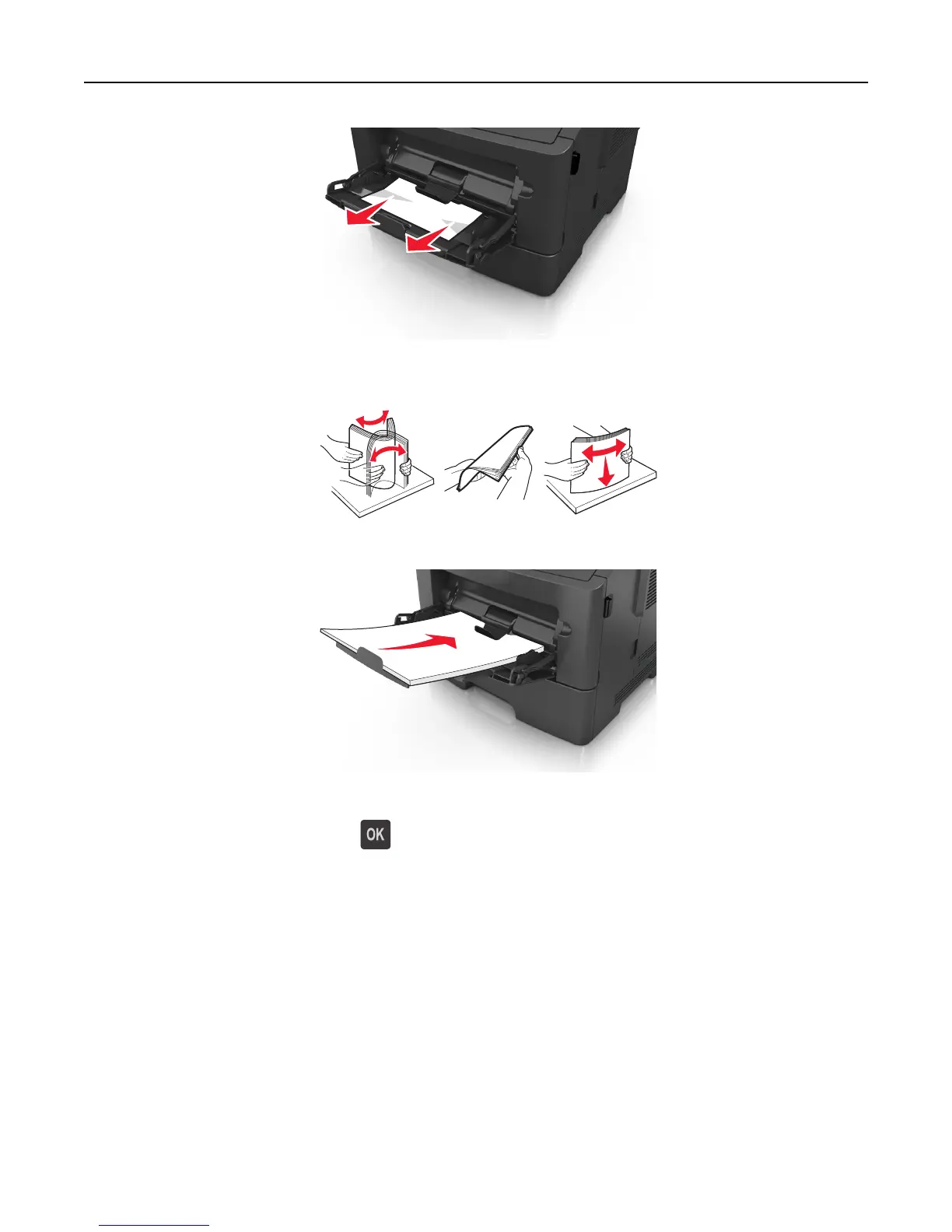
2 Flex the sheets of paper back and forth to loosen them, and then fan them. Do not fold or crease the paper. Straighten
the edges on a level surface.
3 Reload paper into the multipurpose feeder.
Note: Make sure the paper guide lightly rests against the edge of the paper.
4 From the printer control panel, press to clear the message and continue printing.
Clearing jams 112













 To Next Page