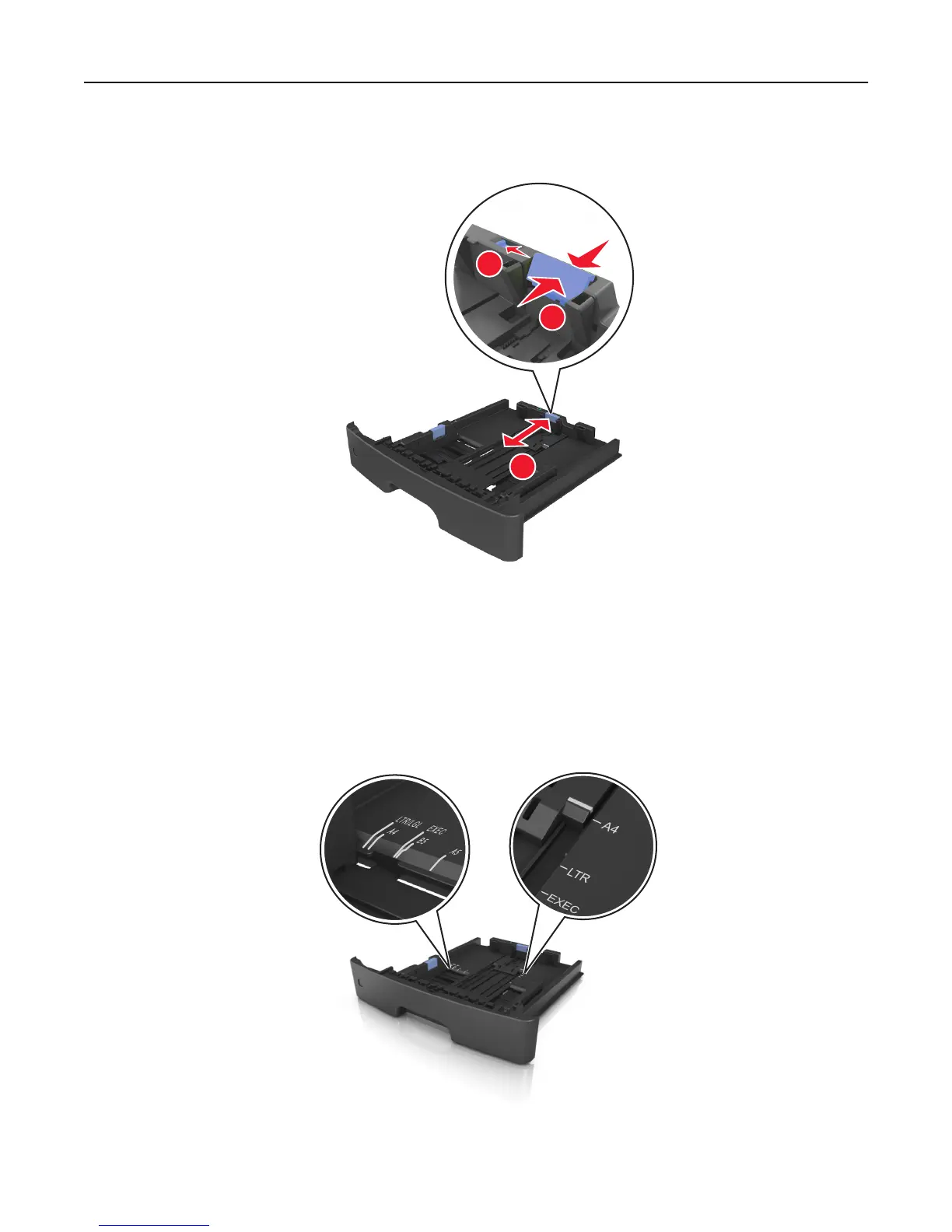
3 Unlock the length guide. Squeeze, and then slide the length guide tab to the correct position for the size of the
paper you are loading.
3
1
2
Notes:
• For some paper sizes like letter, legal, and A4, squeeze and slide the length guide tab backward to
accommodate their length.
• If you are loading A6-size paper in the standard tray, then squeeze and then slide the length guide tab
toward the center of the tray to the A6‑size position.
• Make sure the width and length guides are aligned with the paper size indicators on the bottom of the tray.
Loading paper and specialty media 33













 To Next Page