Initial Settings Procedures Using Dell Printer Configuration Web Tool
21
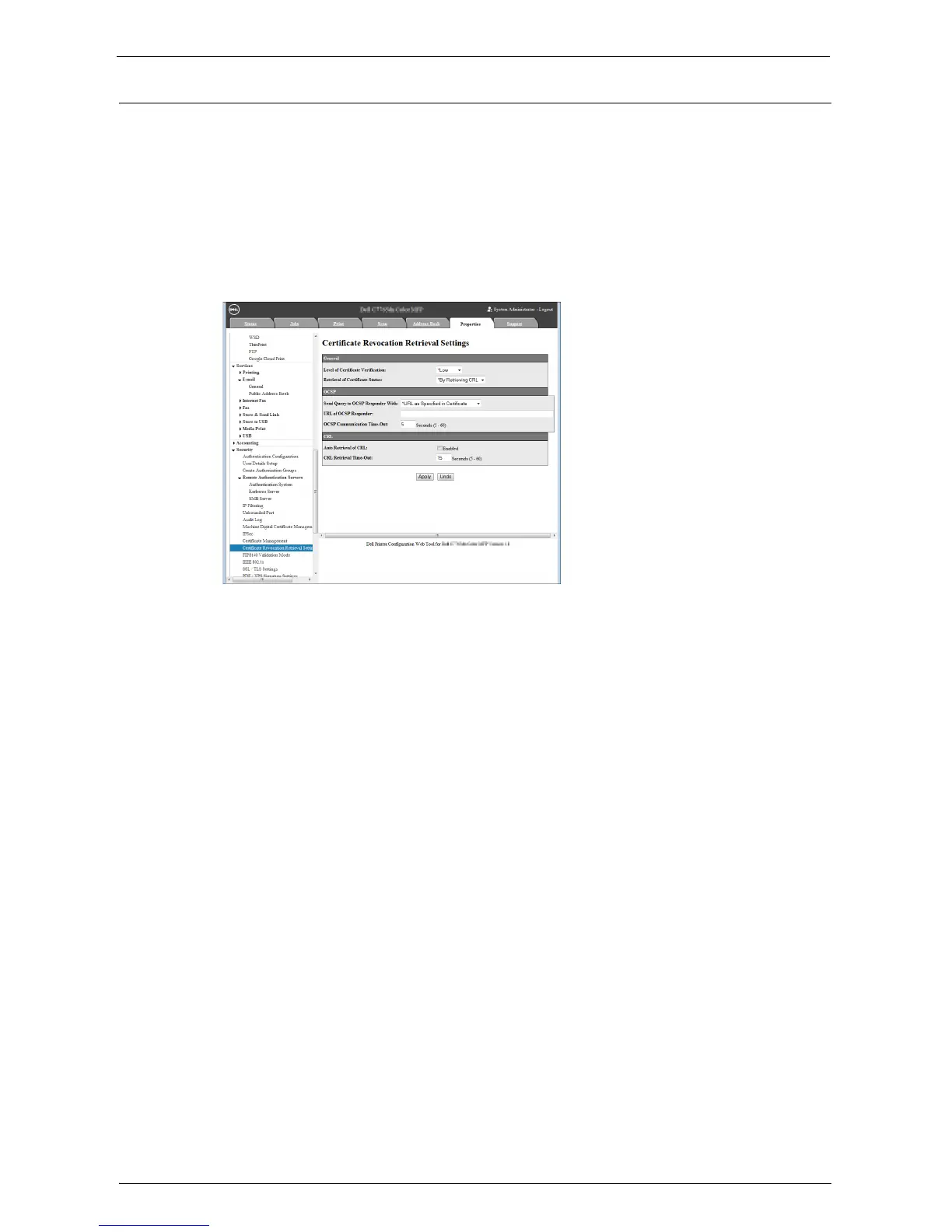
Set Certificate Revocation Retrieval
Perform either of the following steps to configure the Certificate Revocation Retrieval
settings.
Using CRL method
1
Click [Security] on the [Properties] screen.
2
Click [Certificate Revocation Retrieval settings].
3
Select [High] for [Level of Certificate Verification].
4
Select [By Retrieving CRL] for [Retrieval of Certificate status].
5
Check the [Enabled] box for [Auto Retrieval of CRL].
6
Click [Apply].
7
Click [Reboot Machine] if prompted.


 To Next Page
 Loading...












