2 Installation
26
4
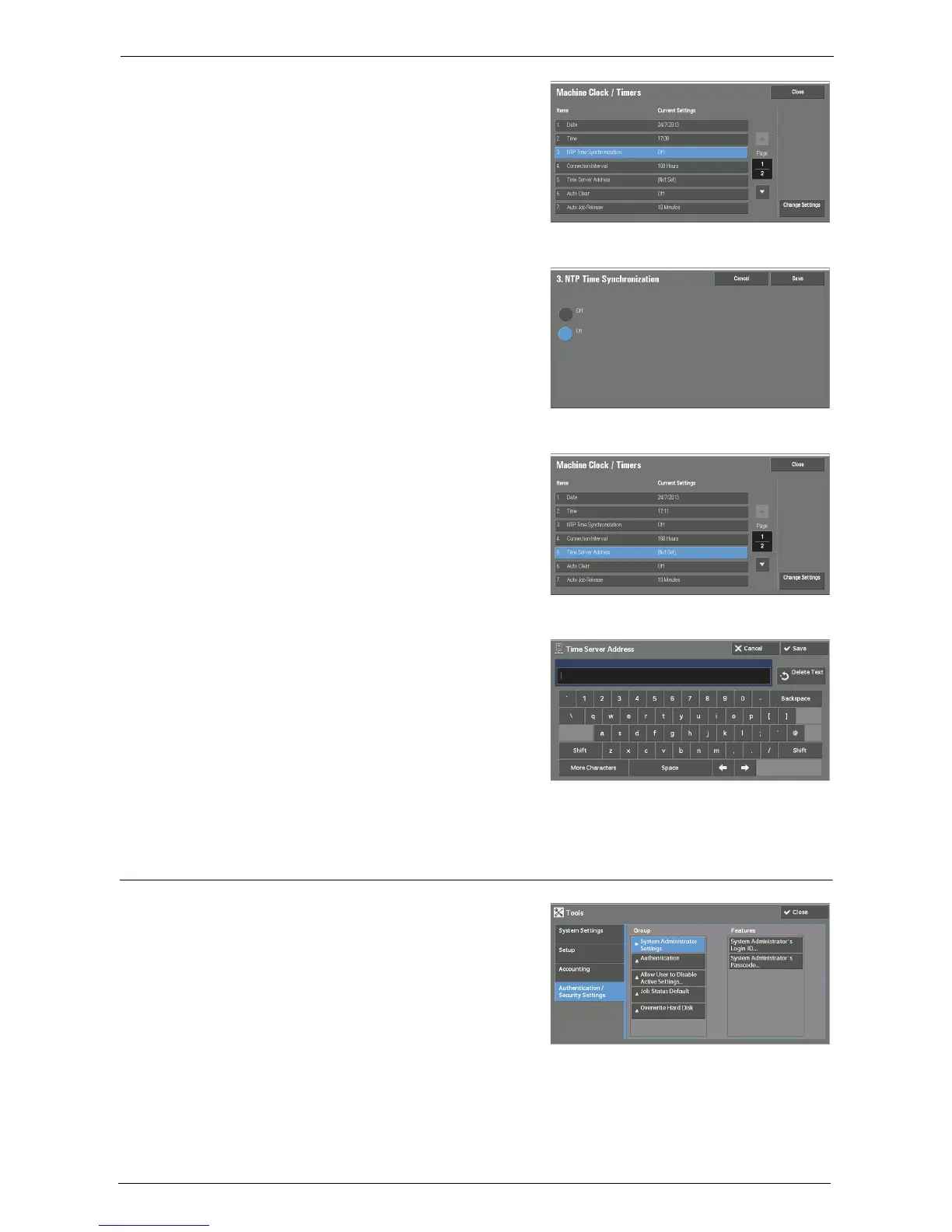
Select [NTP Time Synchronization].
5
Select [Change Settings].
6
Select [On].
7
Select [Save].
8
Select [Time Server Address].
9
Select [Change Settings].
10
Enter the IP address of the server in which
the network time will be synched with.
11
Select [Save].
Set Authentication
1
Select [Authentication / Security Settings] on
the [Tools] screen.
2
Select [Authentication].














 To Next Page