38 │ Operating the Dell Canvas 27
Icon Menu and
Submenus
Description
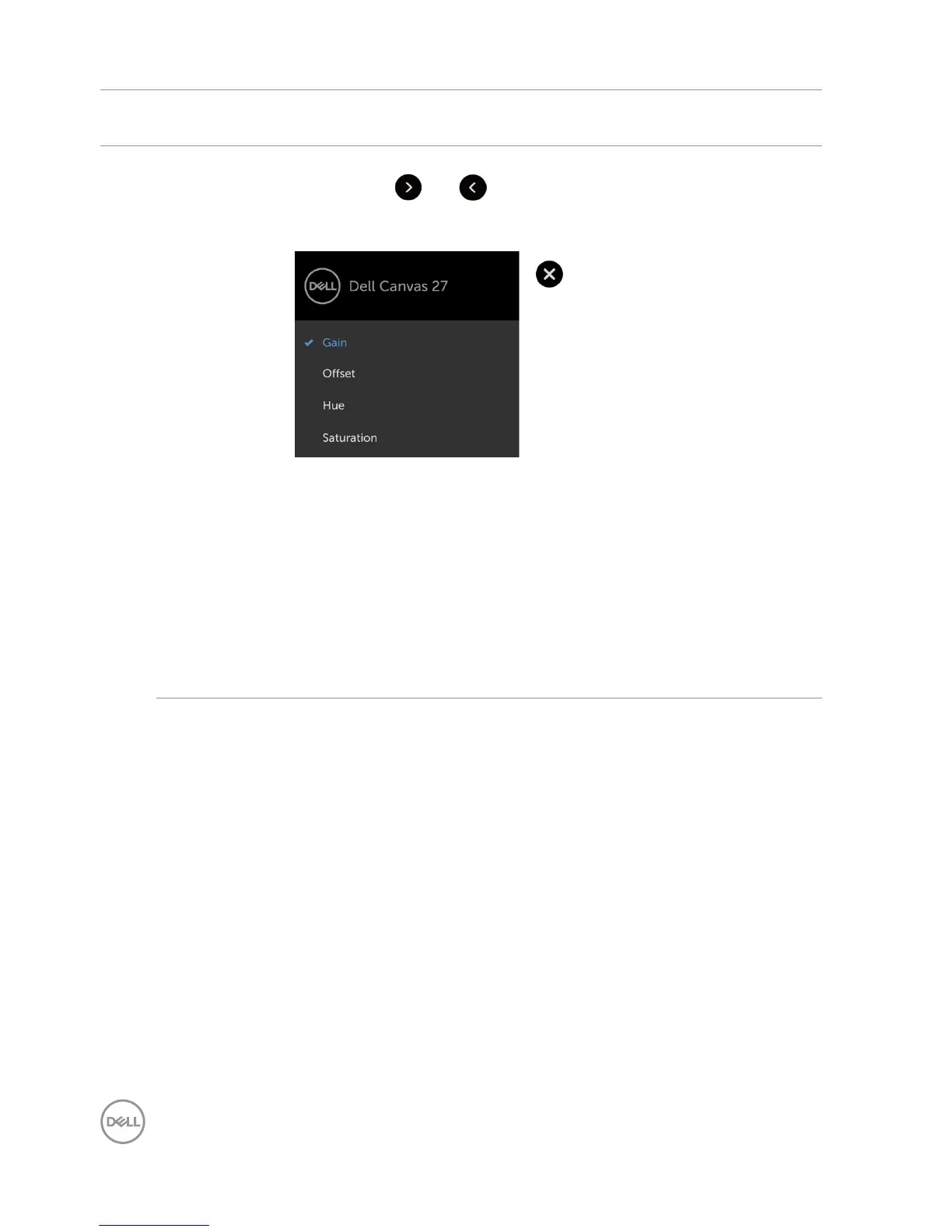
•Custom Color: Allows you to manually adjust the color settings.
Touch the and icons to adjust the Red, Green, and Blue
values and create your own preset color mode.
Select the Gain, Offset, Hue, Saturation.
– Gain: Select it to adjust input RGB signal gain level (default
value are 100).
– Offset: Select it to adjust RGB black-level offset value
(default value are 50) to control your Dell Canvas 27 base
color.
– Hue: Select it to adjust RGBCMY hue value individually
(default value are 50).
– Saturation: Select it to adjust RGBCMY saturation value
individually (default value are 50).


 To Next Page