Disassembly and reassembly
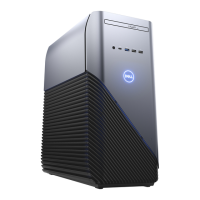
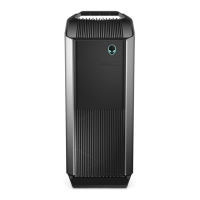
NOTE: The images in this document may differ from your computer depending on the configuration you ordered.
Topics:
• Recommended tools
• Screw List
• Side cover
• Front bezel
• Fan shroud
• Hard-drive assembly
• 3.5-inch hard drive
• Solid-state drive
• Memory modules
• Processor fan and heat-sink assembly
• Processor
• Graphics card
• Graphical processing unit
• Coin-cell battery
• WLAN card
• Slim optical-drive
• Slim optical-drive bracket
• Speaker
• Power button
• Power-supply unit
• Intrusion switch
• Optional I/O modules (Type C/ HDMI/VGA/DP/Serial)
• System board
Recommended tools
The procedures in this document may require the following tools:
● Phillips #0 screwdriver
● Phillips #1 screwdriver
●
Plastic scribe-Recommended for field technician
Screw List
The following table shows the screw list and the images for different components.
NOTE:
When removing screws from a component, it is recommended to note the screw type, the quantity of screws, and
then place them in a screw storage box. This is to ensure that the correct number of screws and correct screw type is
restored when the component is replaced.
NOTE: Some computers have magnetic surfaces. Ensure that the screws are not left attached to such surface when
replacing a component.
NOTE: Screw color may vary with the configuration ordered.
3
Disassembly and reassembly 13



 To Next Page