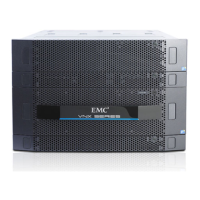
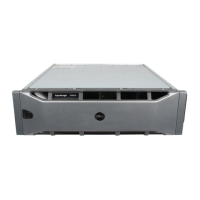
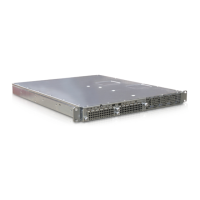
Dell DCS-1130 Setup and Features Information
Page 4 | Accessing System Features During Startup
Accessing System Features During Startup
e following keystrokes provide access to system features during startup.
Keystroke Description
<F2> Enters the System Setup program.
<F11> Enters the BIOS Boot Manager.
<F12> Starts Preboot eXecution Environment (PXE) boot.
<Ctrl><C> Enters the SAS Conguration Utility.
<Ctrl><H> Enters the RAID conguration utility.
<Ctrl><S> Enters the utility to congure NIC settings for PXE boot. For more
information, see the documentation for your integrated NIC.


 To Next Page