Item Control/Feature Icon Description
9 Recessed reset button Reboots the storage controller forcing it to restart at the POST
process
10 Identification LED
• Off: Identification disabled
• Blinking blue (for 15 sec.): Identification is enabled
• Blinking blue (continuously): Storage controller shut down
to the Advanced Configuration and Power Interface (ACPI)
S5 state
11 USB port
12 Diagnostic LEDs (8) —
• Green LEDs 0–3: Low byte hex POST code
• Green LEDs 4–7: High byte hex POST code
13 Serial port (3.5 mm mini
jack)
Not for customer use.
14 Four Mini-SAS High
Density (HD) ports
— Front-end connectivity ports
NOTE:
The mini-SAS HD ports are for front-end connectivity only and
cannot be used for back-end expansion.
15 Mini-SAS port B Back-end expansion port B
16 Mini-SAS port A Back-end expansion port A
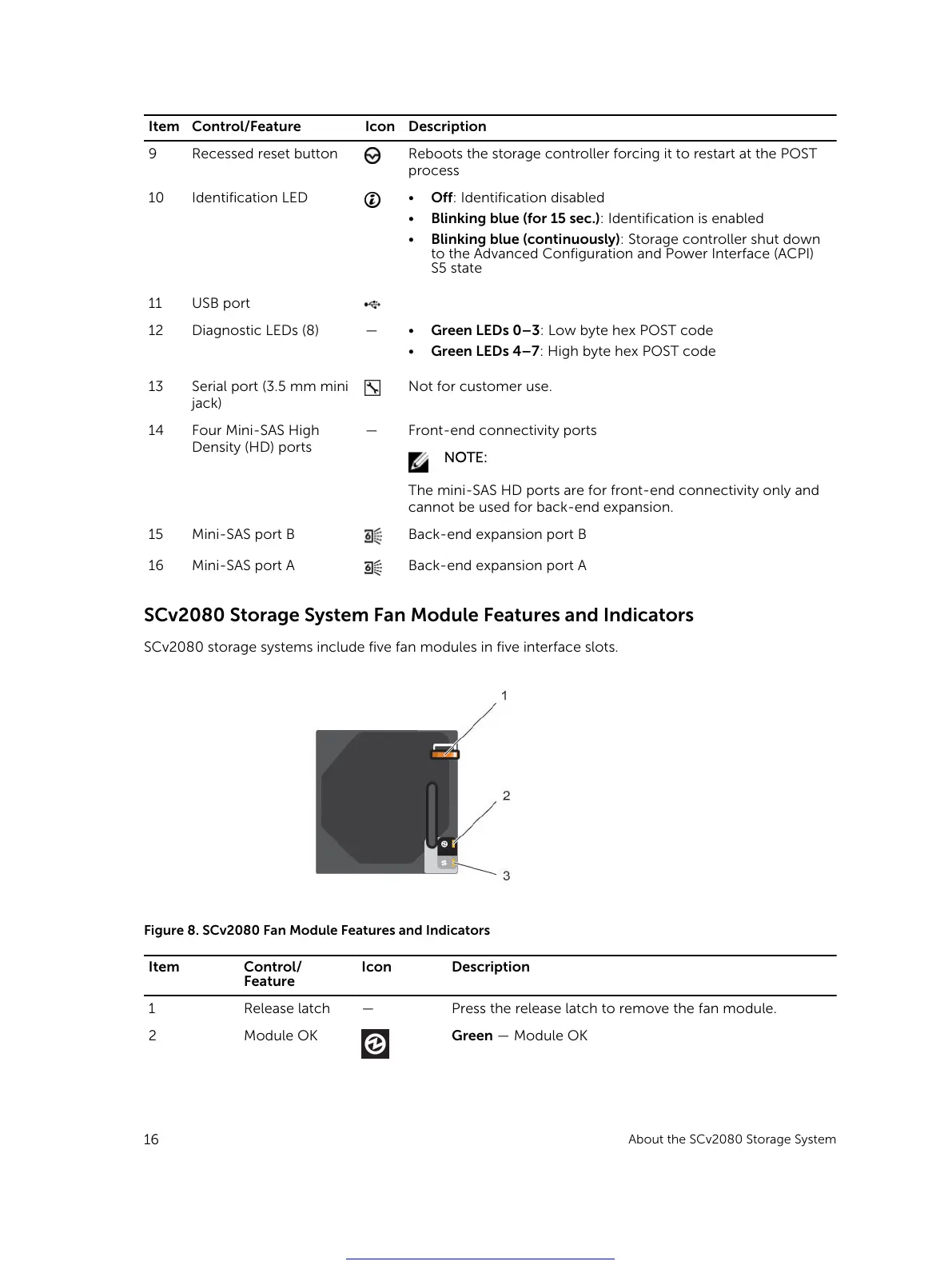
SCv2080 Storage System Fan Module Features and Indicators
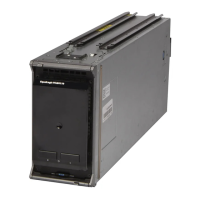
SCv2080 storage systems include five fan modules in five interface slots.
Figure 8. SCv2080 Fan Module Features and Indicators
Item Control/
Feature
Icon Description
1 Release latch — Press the release latch to remove the fan module.
2 Module OK Green — Module OK
16
About the SCv2080 Storage System
Get other manuals https://www.bkmanuals.com





 To Next Page