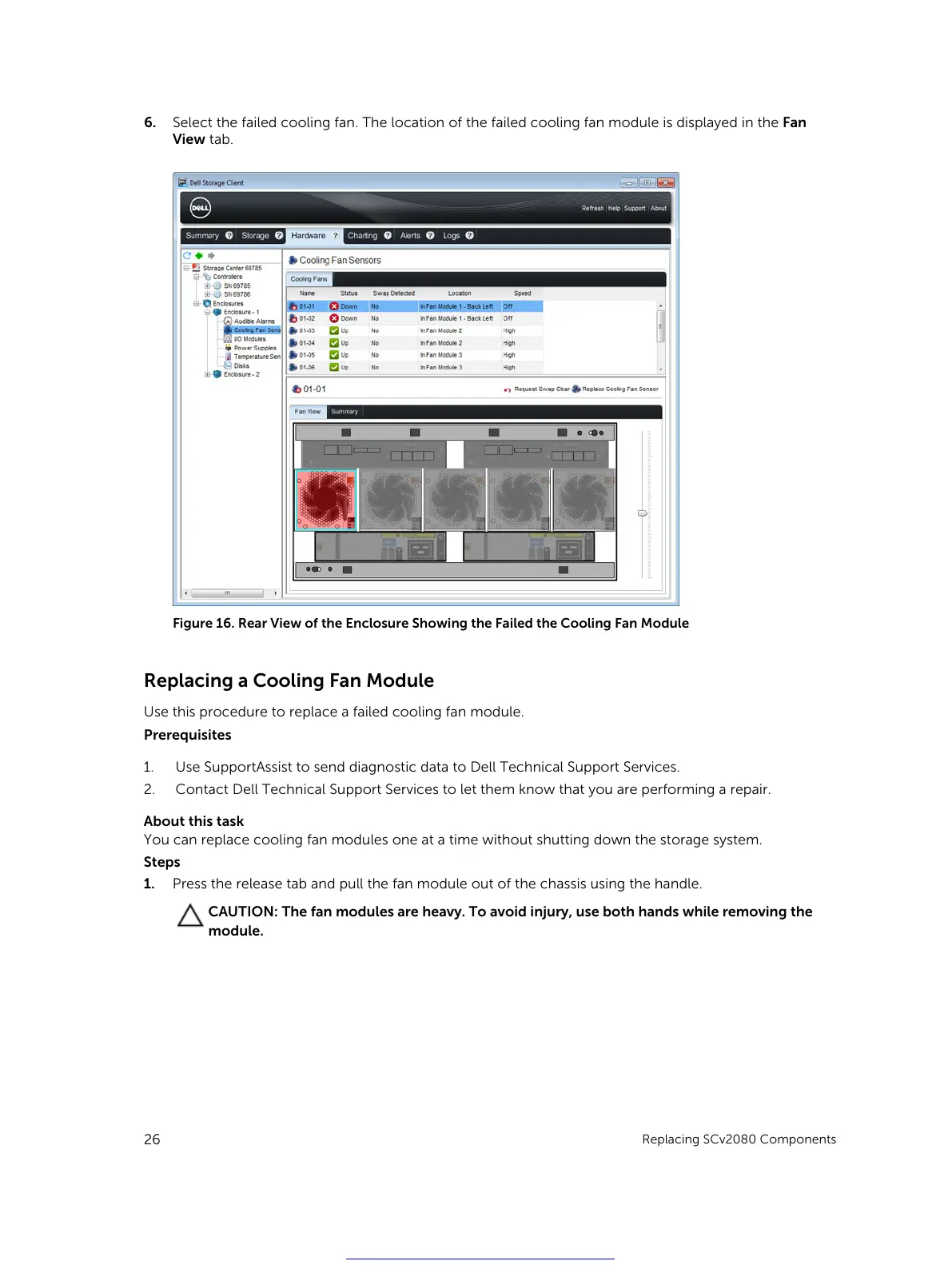
6. Select the failed cooling fan. The location of the failed cooling fan module is displayed in the Fan
View tab.
Figure 16. Rear View of the Enclosure Showing the Failed the Cooling Fan Module
Replacing a Cooling Fan Module
Use this procedure to replace a failed cooling fan module.
Prerequisites
1. Use SupportAssist to send diagnostic data to Dell Technical Support Services.
2. Contact Dell Technical Support Services to let them know that you are performing a repair.
About this task
You can replace cooling fan modules one at a time without shutting down the storage system.
Steps
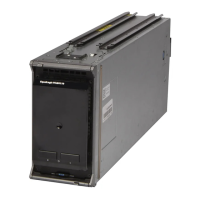
1. Press the release tab and pull the fan module out of the chassis using the handle.
CAUTION: The fan modules are heavy. To avoid injury, use both hands while removing the
module.
26
Replacing SCv2080 Components
Get other manuals https://www.bkmanuals.com





 To Next Page