17" LCD Color Monitor Dell E178FPC
14
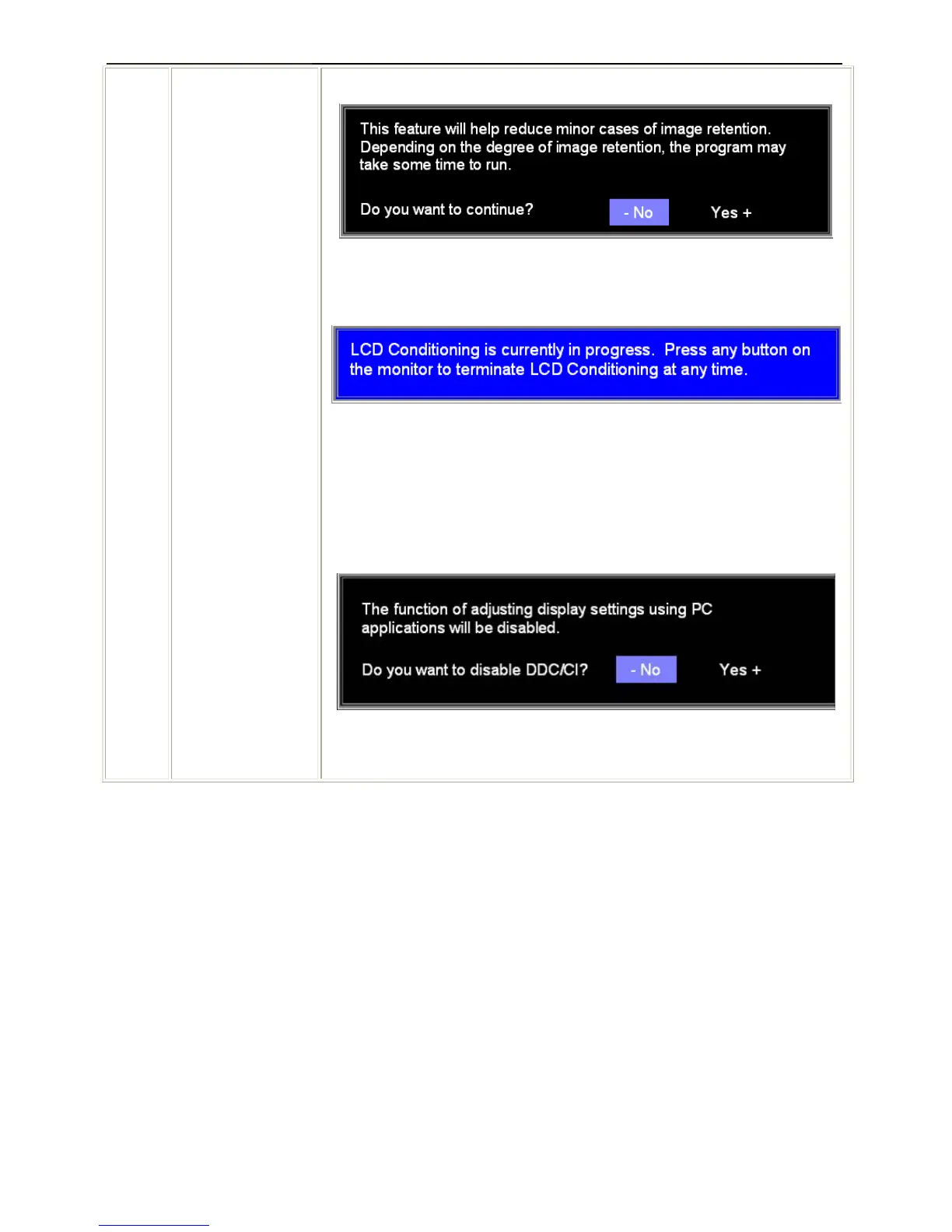
NOTE: Press any button on the monitor to terminate LCD Conditioning at any
time.
DDC/CI (Display Data Channel/Command Interface) allows you to adjust the
monitor parameters (brightness, color, balance, etc.) via software applications
on your PC.
Select Disable to disable this feature.
For best user experience and optimum performance of your monitor, keep this
feature enabled.
NOTE: If user select 'disable' for DDC/CI, the warning message will appear on
screen. Then user can select Yes or No according to need.
Automatic Save
With the OSD open, if you make an adjustment and then either proceed to another menu, or exit the OSD, the
monitor automatically saves any adjustments you have made. If you make an adjustment and then wait for the
OSD to disappear the adjustment will also be saved.



 To Next Page