Related Links
Installing The Base Cover
Installing The Base Cover
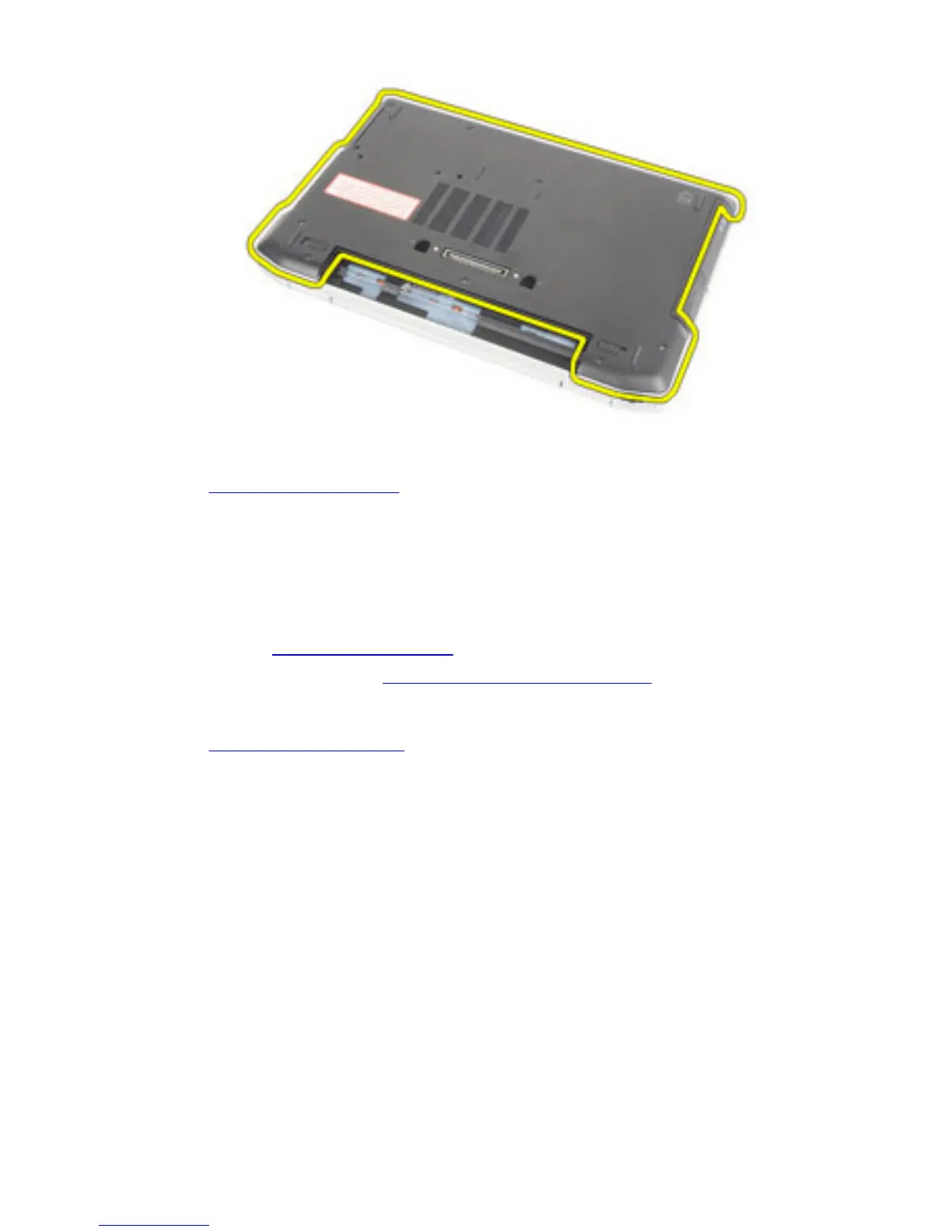
1. Place the base cover to align the screw holes correctly with the computer.
2. Replace and tighten the screws to secure the base cover to the computer.
3. Install the Secure Digital (SD) Card.
4. Follow the procedures in After Working Inside Your Computer.
Related Links
Removing The Base Cover
32















 To Next Page