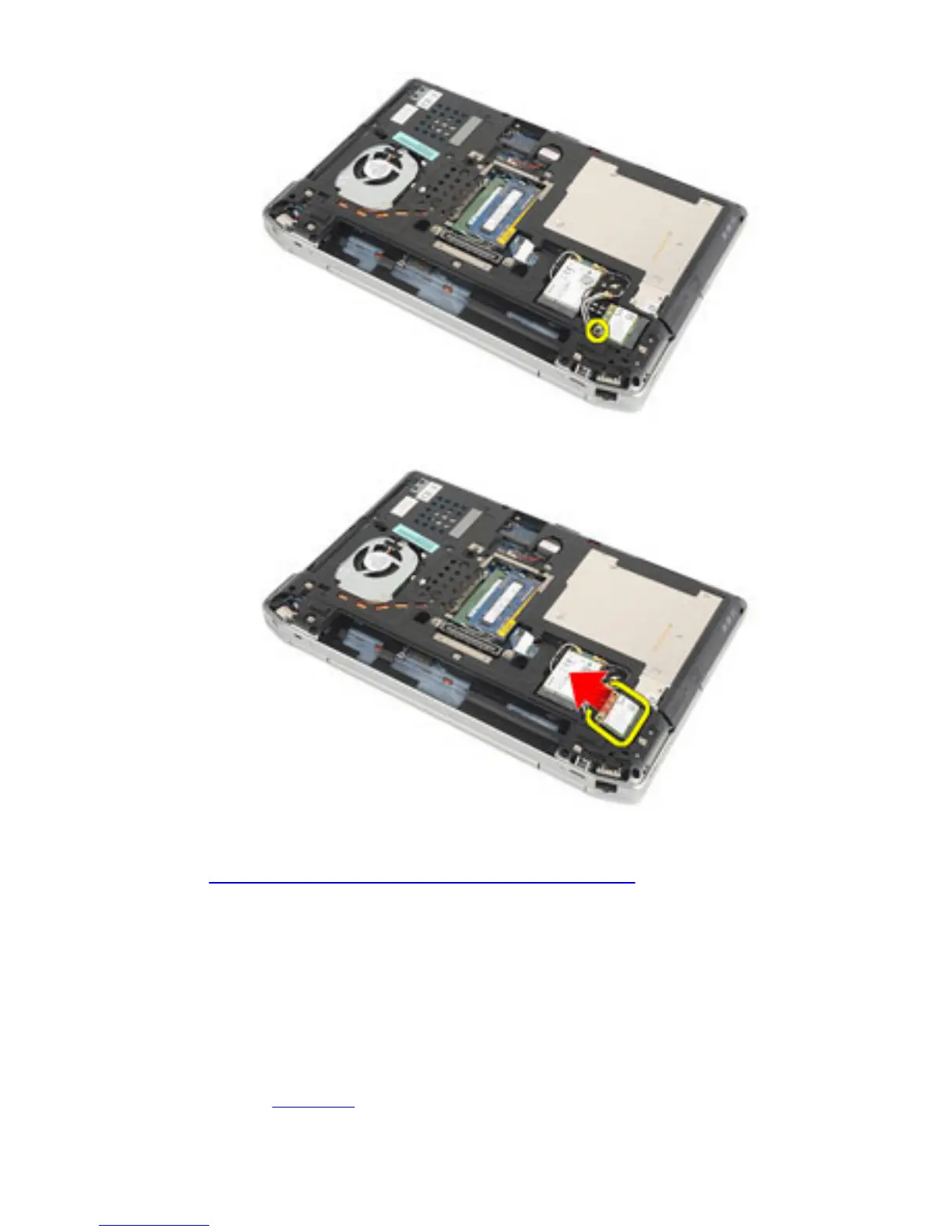
7. Remove the WLAN card from its slot on the system board.
Related Links
Installing The Wireless Local Area Network (WLAN) Card
Installing The Wireless Local Area Network
(WLAN) Card
1. Insert the WLAN card into its connector at a 45–degree angle.
2. Replace and tighten the screw that secures the WLAN card to the computer.
3. Connect the antenna cables according to the color code on the WLAN card.
4. Install the base cover.
38















 To Next Page