Related Links
Installing The System Board
Installing The System Board
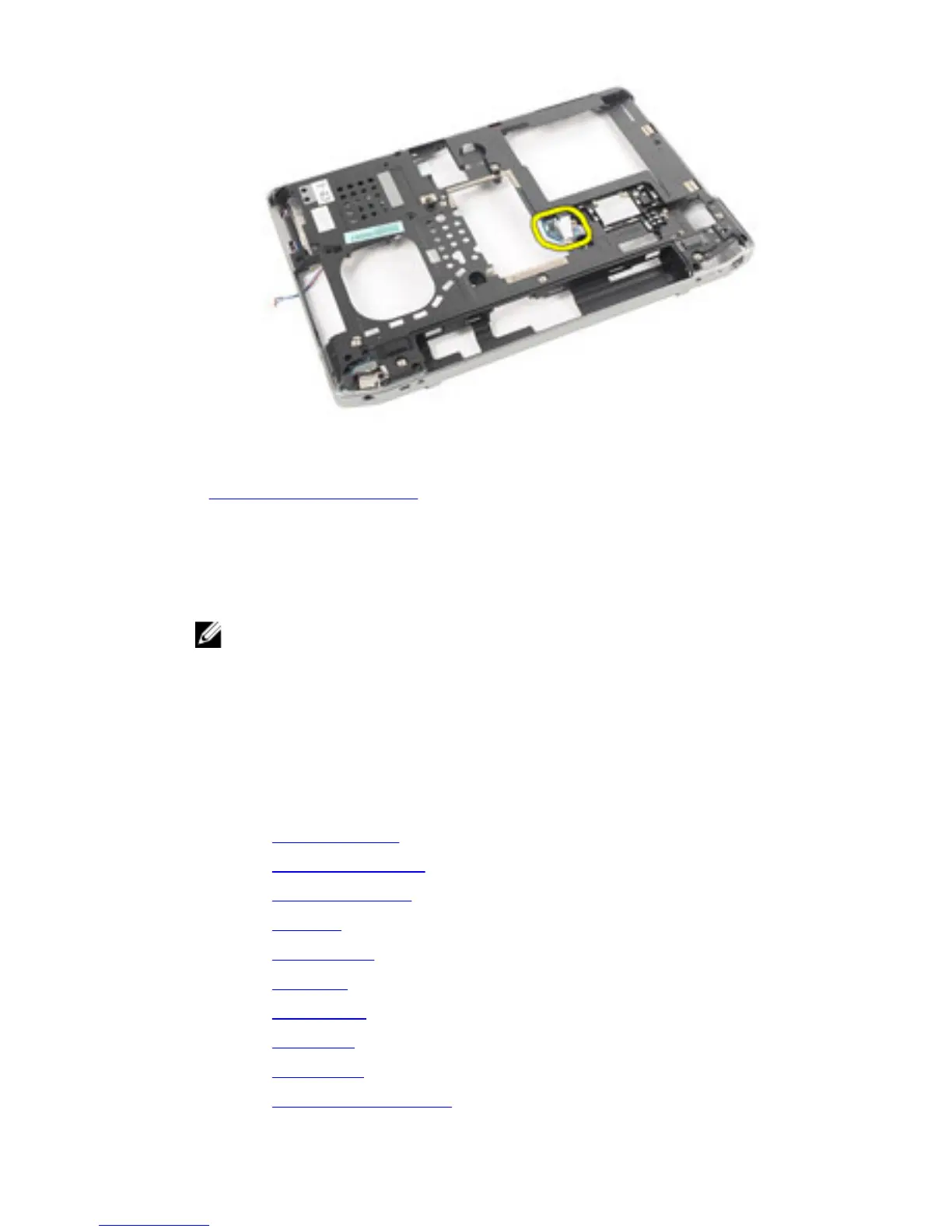
1. Place the TAA board to its original position.
NOTE: Steps 1 and 2 are applicable for computers that shipped in the United
States of America.
2. Replace and tighten the screw to secure the TAA board to the computer.
3. Align the system board into its original position on the computer.
4. Connect the power supply cable.
5. Replace and tighten the screws to secure the system board to the computer.
6. Route and connect the smart card and speaker cables to the system board.
7. Install the display assembly.
8. Install the display hinge covers.
9. Install the palmrest assembly.
10. Install the keyboard.
11. Install the keyboard trim.
12. Install the hard drive.
13. Install the ExpressCard.
14. Install the base cover.
15. Install the optical drive.
16. Install the Secure Digital (SD) card.
85















 To Next Page