122 Adding and Replacing Parts
3
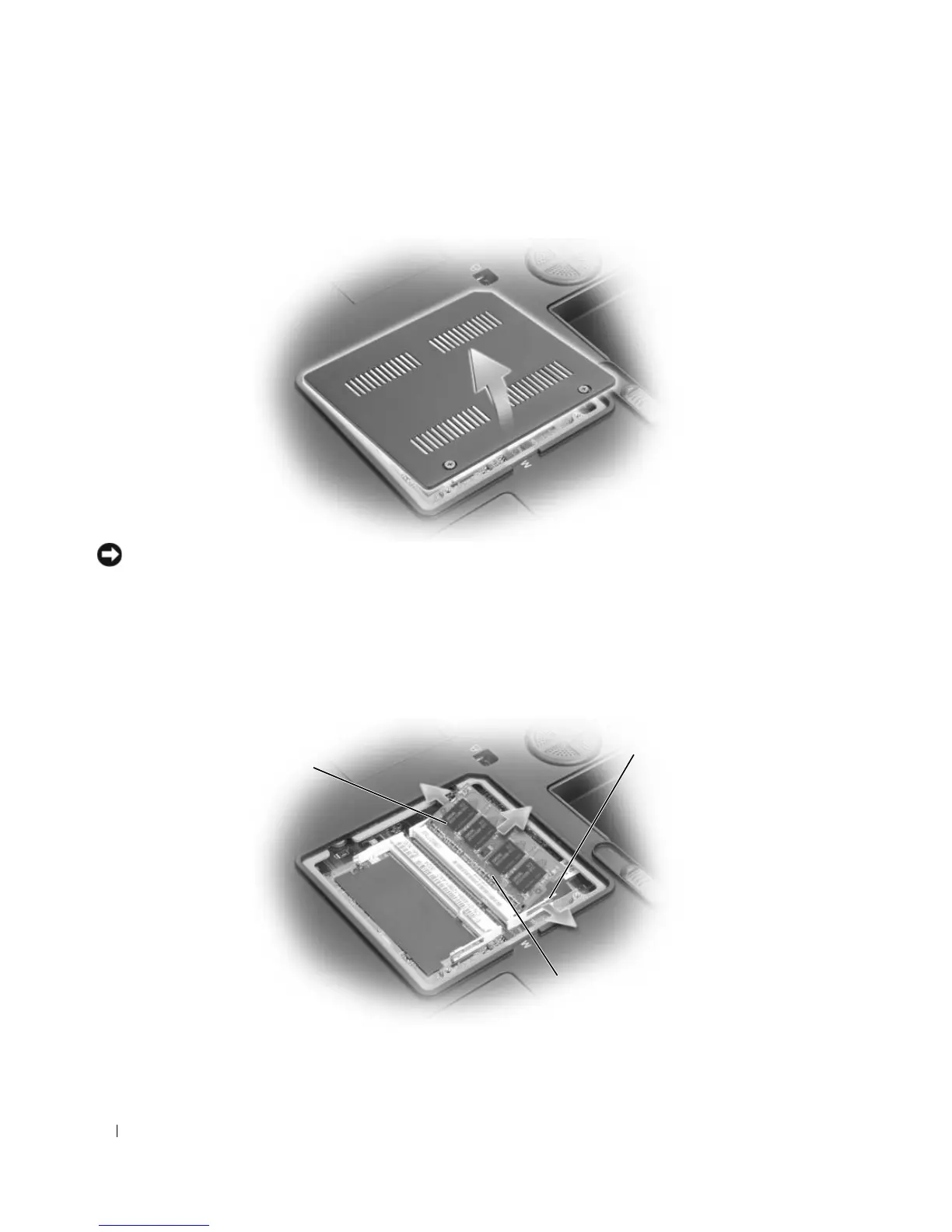
Turn the computer over, loosen the captive screws on the memory module cover, and then remove the
cover.
NOTICE: To prevent damage to the memory module connector, do not use tools to spread the memory-module
securing clips.
4
If you are replacing a memory module, remove the existing module:
a
Use your fingertips to carefully spread apart the securing clips on each end of the memory module
connector until the module pops up.
b
Remove the module from the connector.
1 memory module 2 securing clips
(2 per connector)
3 memory module connector
1
2
3













 To Next Page