48 Using a Battery
3
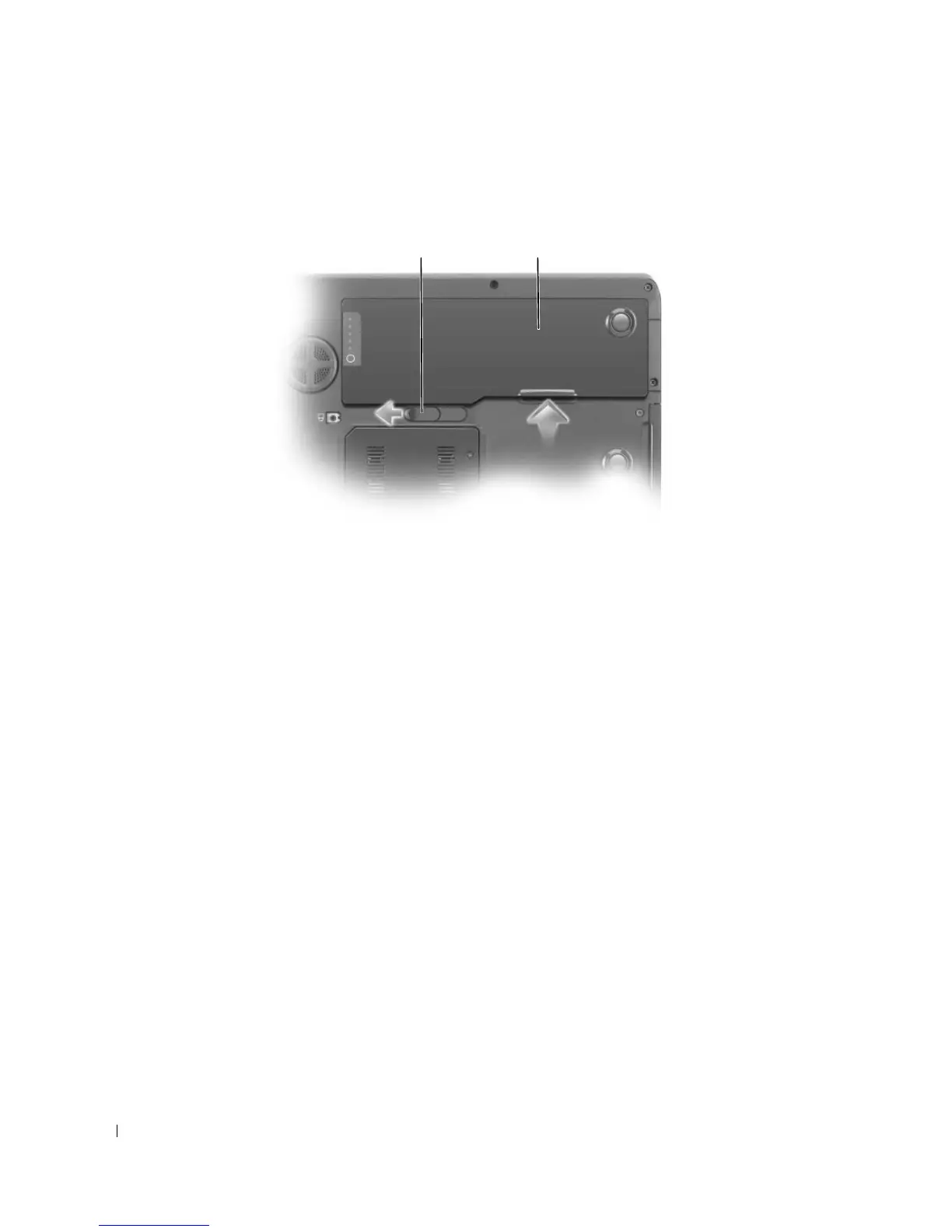
Slide and hold the battery-bay latch release on the bottom of the computer, and then lift the battery
from the bay.
To replace the battery, place the battery in the bay and press down until the battery-bay latch release
clicks.
Storing a Battery
Remove the battery when you store your computer for an extended period of time. A battery discharges
during prolonged storage. After a long storage period, recharge the battery fully before you use it. For
more information, see "Charging the Battery" on page 47.
1 battery-bay latch release 2 battery
1 2













 To Next Page