52 Using CDs, DVDs, and Other Multimedia
To format CDs for storing data, to create music CDs, or to copy CDs, see the CD software that came
with your computer.
NOTE: Ensure that you follow all copyright laws when you create CDs.
Adjusting the Volume
NOTE: When the speakers are muted, you do not hear the CD or DVD playing.
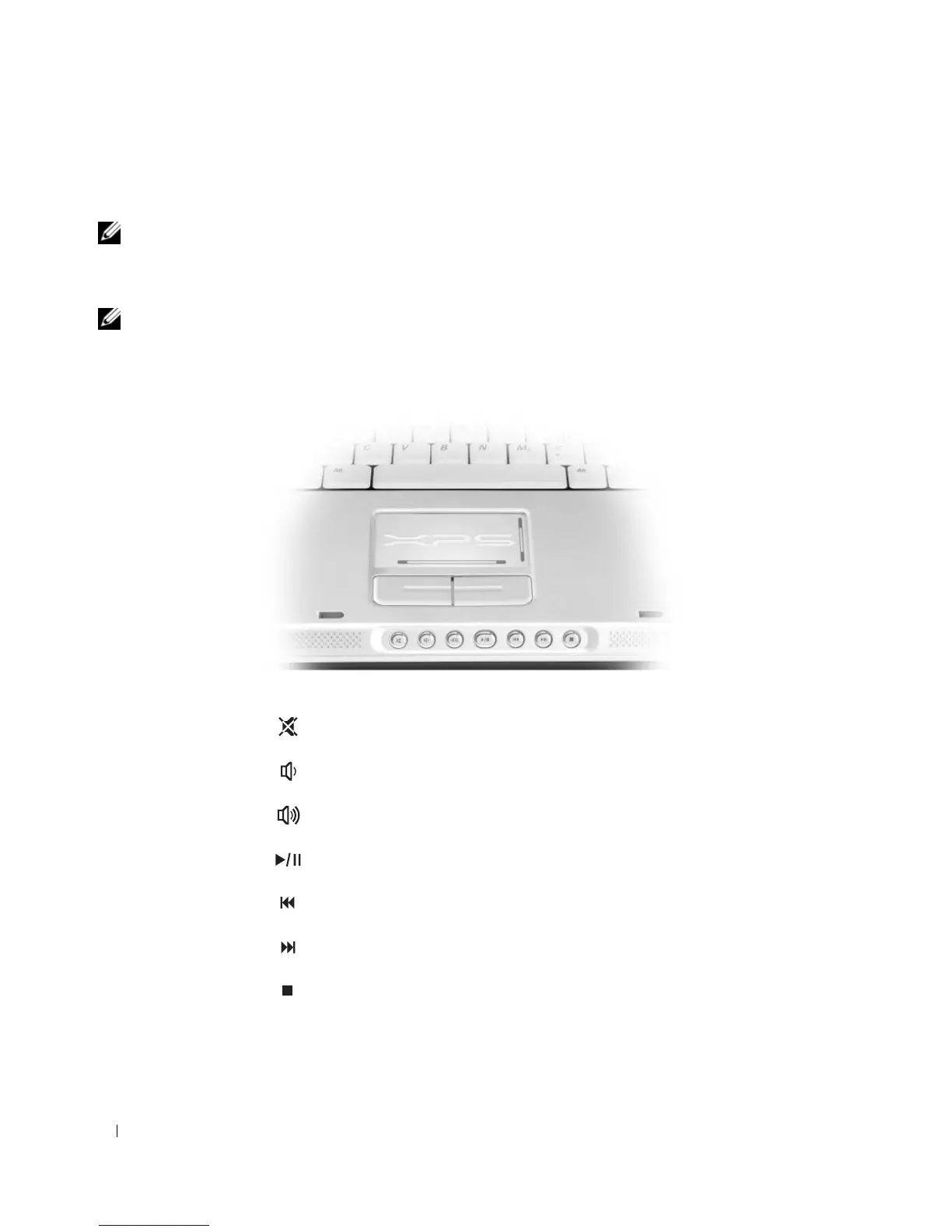
To adjust the speaker volume when playing a CD or DVD, use the media control buttons on the front of
the computer.
Mute the sound.
Turn the volume down.
Turn the volume up.
Play or pause.
Play the previous track.
Play the next track.
Stop.













 To Next Page