Adding and Replacing Parts 127
b
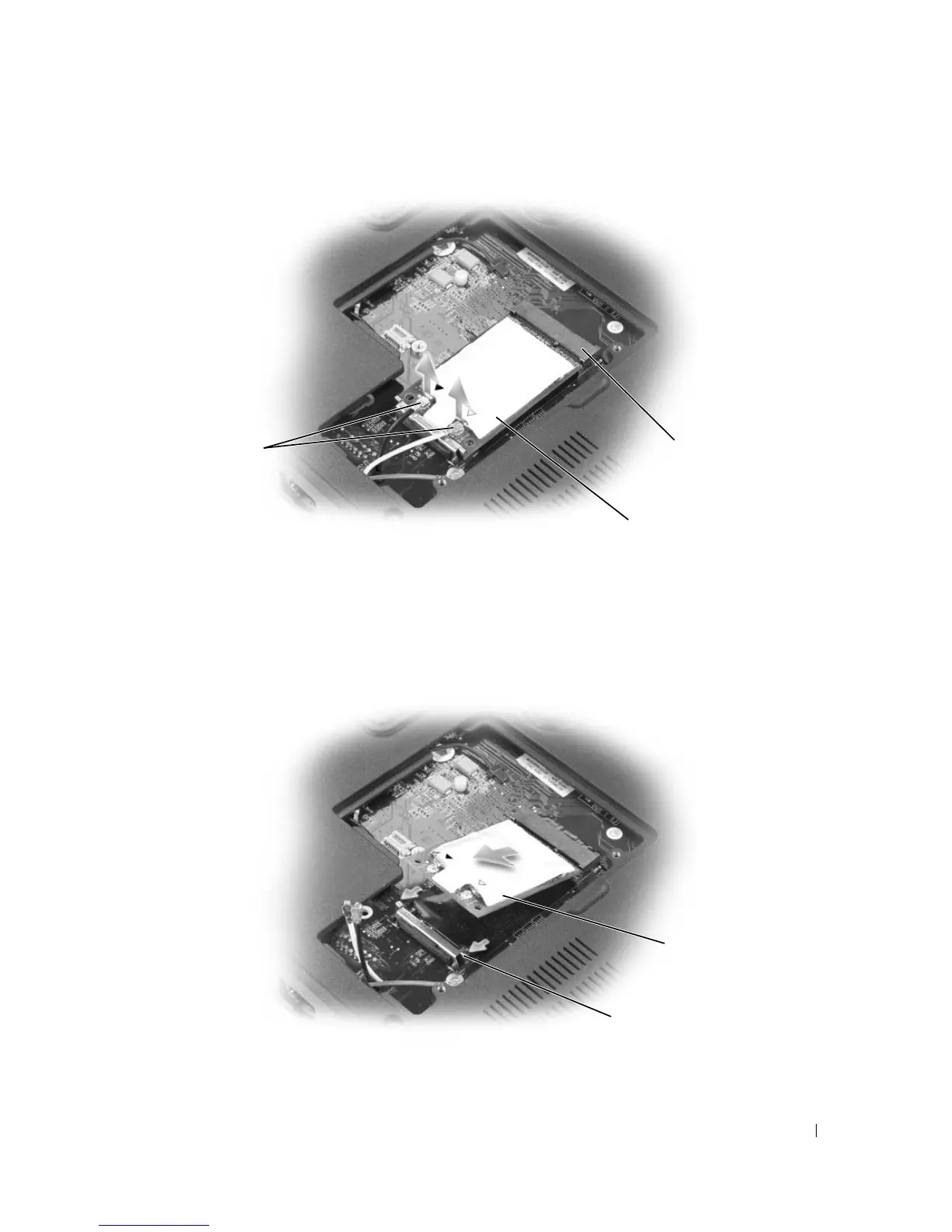
Release the Mini-Card by pushing the metal securing clips toward the back of the computer until
the card pops up slightly.
c
Lift the Mini-Card out of its connector.
1 antenna cables (2) 2 Mini-Card 3 Mini-Card connector
1 securing clips 2 Mini-Card
1
3
2
2
1













 To Next Page