A Tour of Your Computer 17
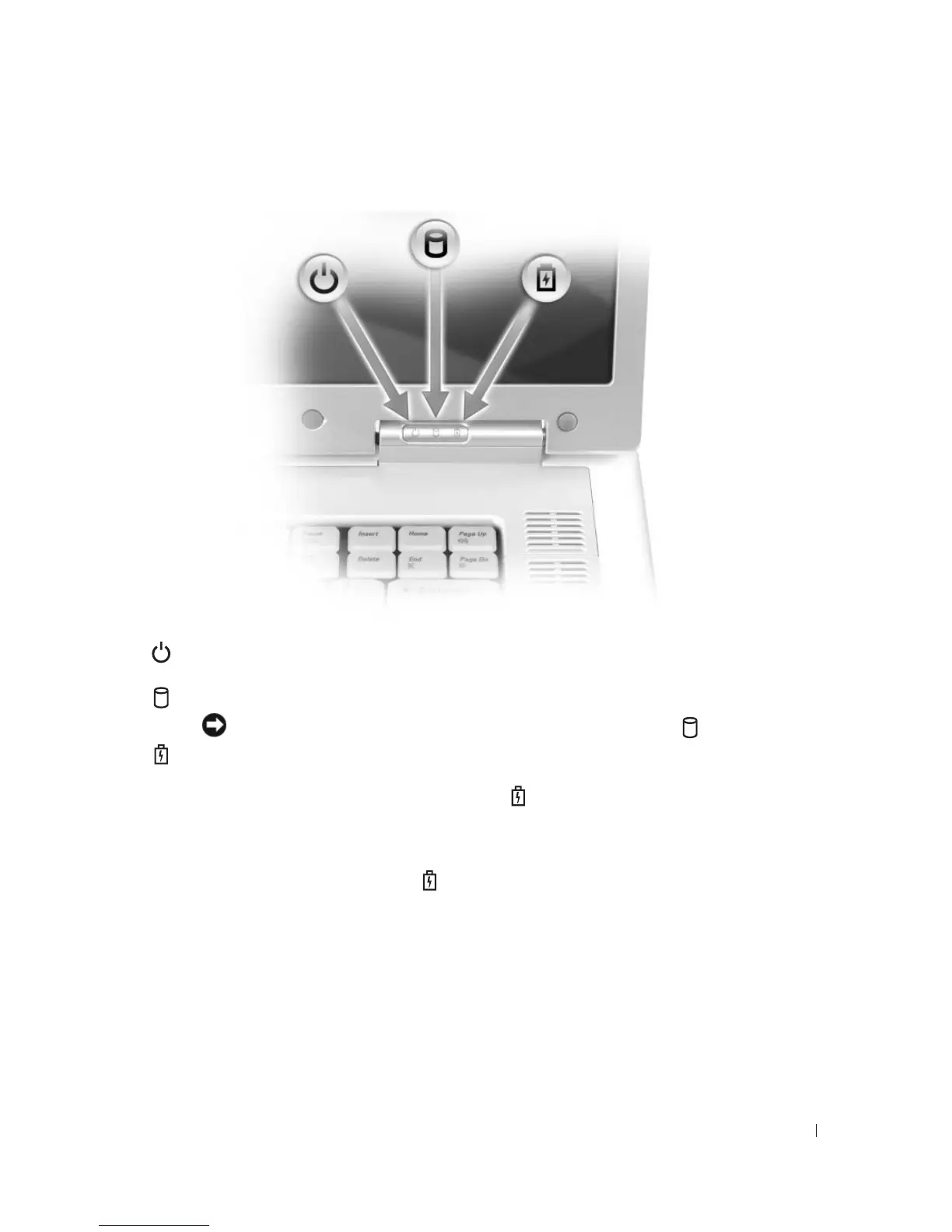
DEVICE STATUS LIGHTS
If the computer is connected to an electrical outlet, the light operates as follows:
• Solid green: The battery is charging.
• Flashing green: The battery is almost fully charged.
If the computer is running on a battery, the light operates as follows:
• Off: The battery is adequately charged (or the computer is turned off).
• Flashing orange: The battery charge is low.
• Solid orange: The battery charge is critically low.
Turns on when you turn on the computer, and blinks when the computer is in a power
management mode.
Turns on when the computer reads or writes data.
NOTICE: To avoid loss of data, never turn off the computer while the light is flashing.
Turns on steadily or blinks to indicate battery charge status.













 To Next Page