72 Using Cards
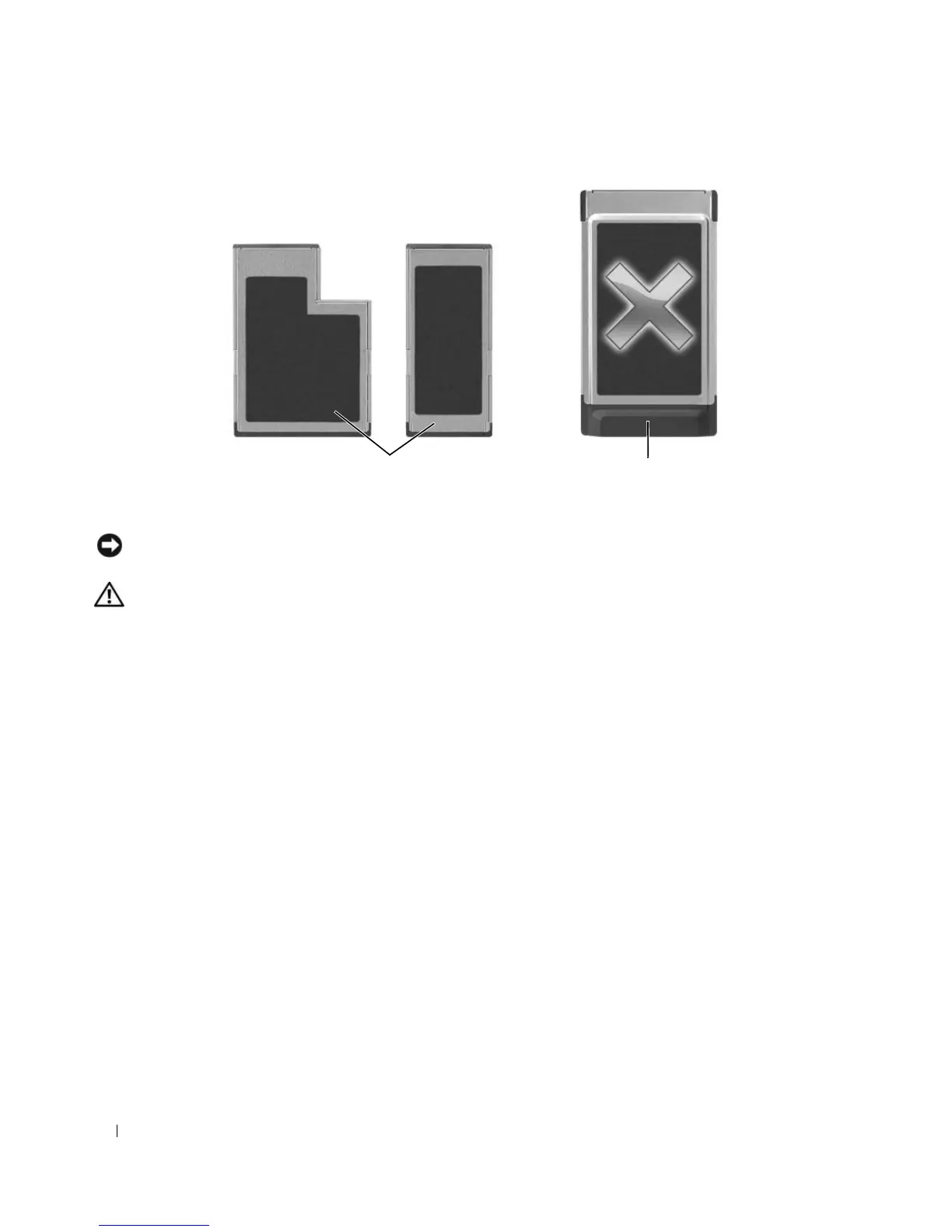
NOTICE: Your computer does not support PC Cards. To avoid damaging the pins or card, you should not attempt to
insert an unsupported card into the ExpressCard slot.
CAUTION: Before you begin any of the procedures in this section, follow the safety instructions in the Product
Information Guide.
To install an ExpressCard:
1
Hold the card with the top side of the card facing up. The latch may need to be in the "in" position
before you insert the card.
2
Slide the card into the slot until the card is completely seated in its connector.
1 supported cards 2 unsupported cards
21













 To Next Page