10 │ Pairing your wireless mouse using Dell Pair
Pairing your wireless mouse using Dell Pair
Dell Pair supports the following:
• Detect Dell peripheral devices like mouse and keyboard when they are within the
detection range
• Seamlessly pair devices through Bluetooth
NOTE: Dell Pair user guide is common to all supported Dell peripherals. For features
specific to the device, please refer to the product user guide.
Download and installation
Dell Pair comes pre-installed on selected Dell computers. For more information
on the list of Dell Pair compatible devices, see https://www.dell.com/support/
kbdoc/000201693.
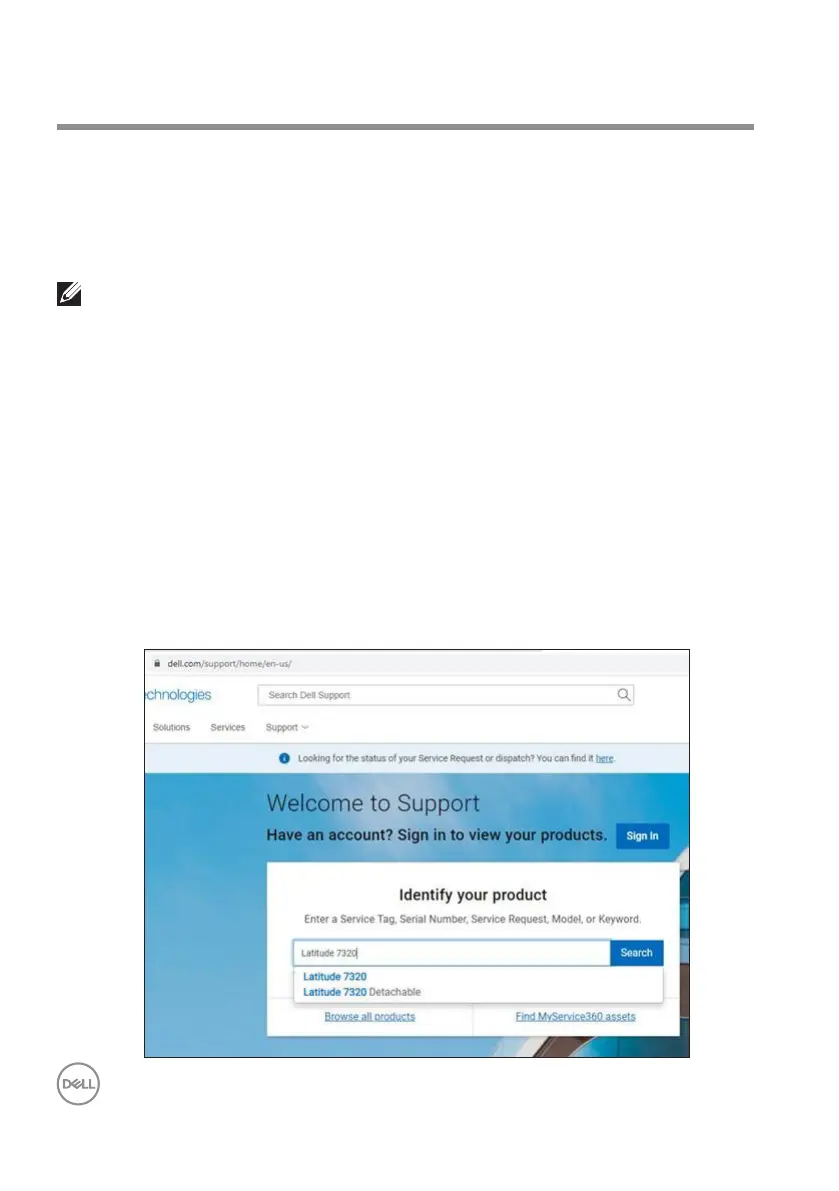
To manually download and install, go to Dell support website:
1. Open Dell support home page:
https://www.dell.com/support/home/en-us.
2. In the ‘Identify your product’ search eld, enter the computer model number,
for example, Latitude 7320, which directs you to the product page for Latitude
7320.



 To Next Page