Pairing your wireless mouse using Bluetooth │ 13
Pairing your wireless mouse using Bluetooth
Your Dell wireless mouse can be paired with your Bluetooth enabled computer. You can
pair and switch between a laptop, desktop, and a compatible mobile device.
NOTE: Ensure that the distance between your computer and mouse is within the
Bluetooth reception range.
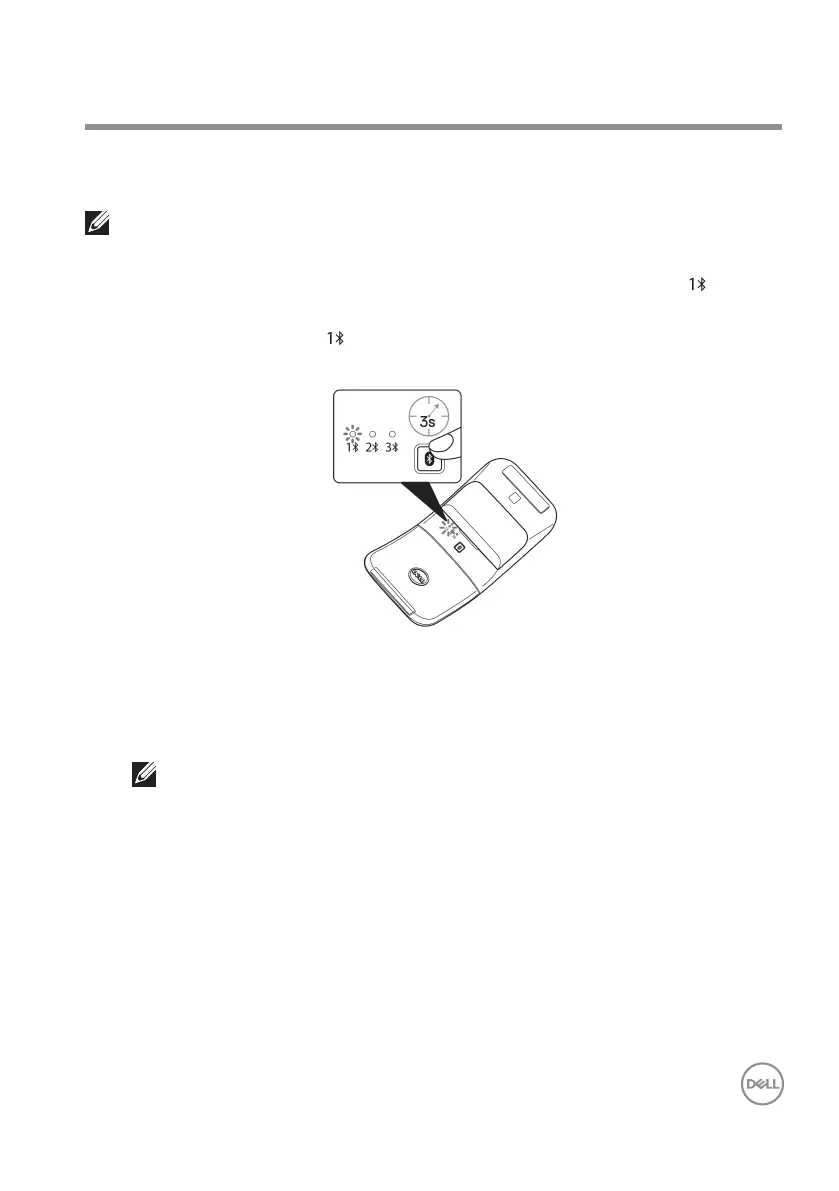
1. Press the Bluetooth pairing button to switch to the rst pairing mode ( ).
2. Press the Bluetooth pairing button for three seconds. Ensure that the rst
Bluetooth channel LED ( ) blinks white, indicating the Bluetooth pairing is
initiated.
3. Pair your mouse with your Bluetooth enabled computer.
a. Select Start > Settings > Bluetooth & other devices > Add Bluetooth or
other device > Bluetooth.
b. Select Dell MS700 and then Done.
NOTE: If Dell MS700 is not listed, ensure that the pairing mode is enabled on
the mouse.



 To Next Page