12 │ Pairing your wireless mouse using Swift Pair
Pairing your wireless mouse using Swift Pair
1. In Windows Search, type Bluetooth.
2. Click Bluetooth and other devices settings. The Settings window appears.
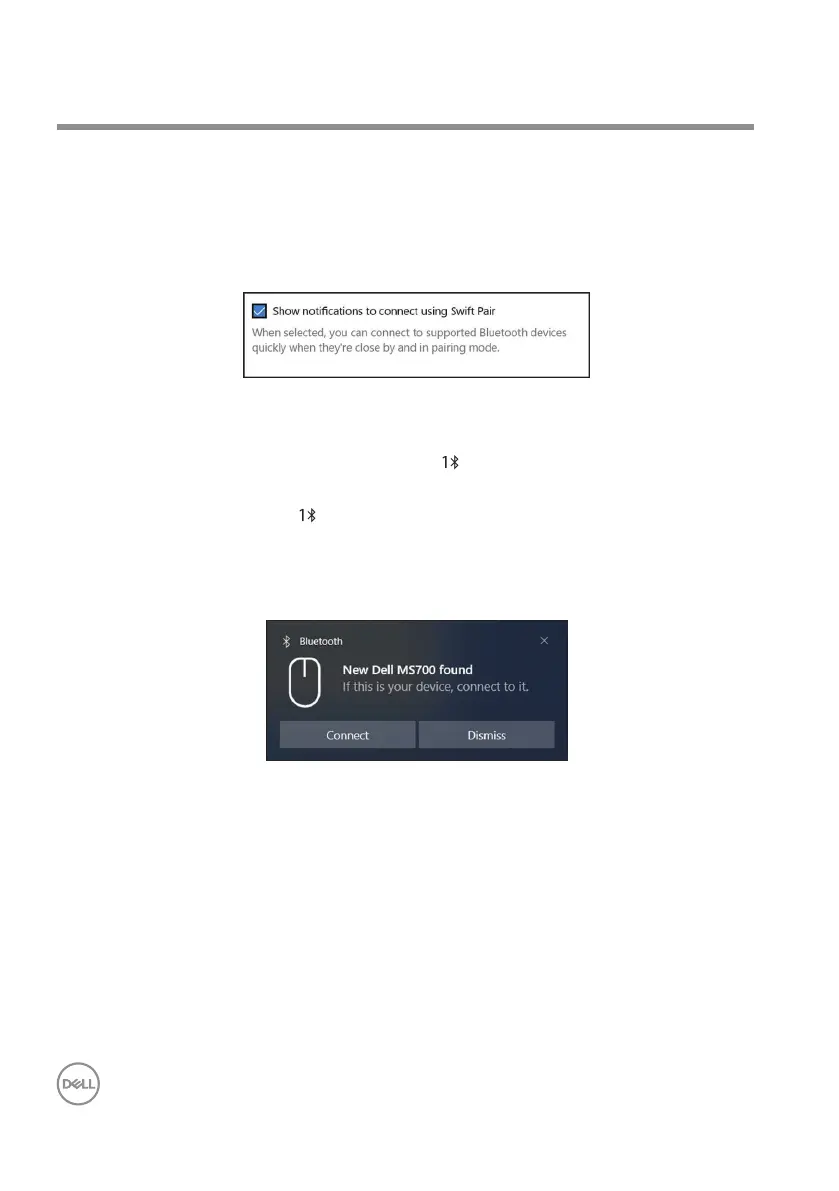
3. Ensure that the Show notications to connect using Swift Pair check box is
selected.
4. Ensure that the Bluetooth is turned on.
5. Place your wireless mouse near your computer. Then press the Bluetooth pairing
button to switch to the rst pairing mode ( ).
6. Press the Bluetooth pairing button for three seconds. Ensure that the rst
Bluetooth channel LED ( ) blinks white, indicating the Bluetooth pairing is
initiated.
7. The New Dell MS700 found window appears. Click Connect and conrm the
pairing process on both wireless mouse and your computer.



 To Next Page