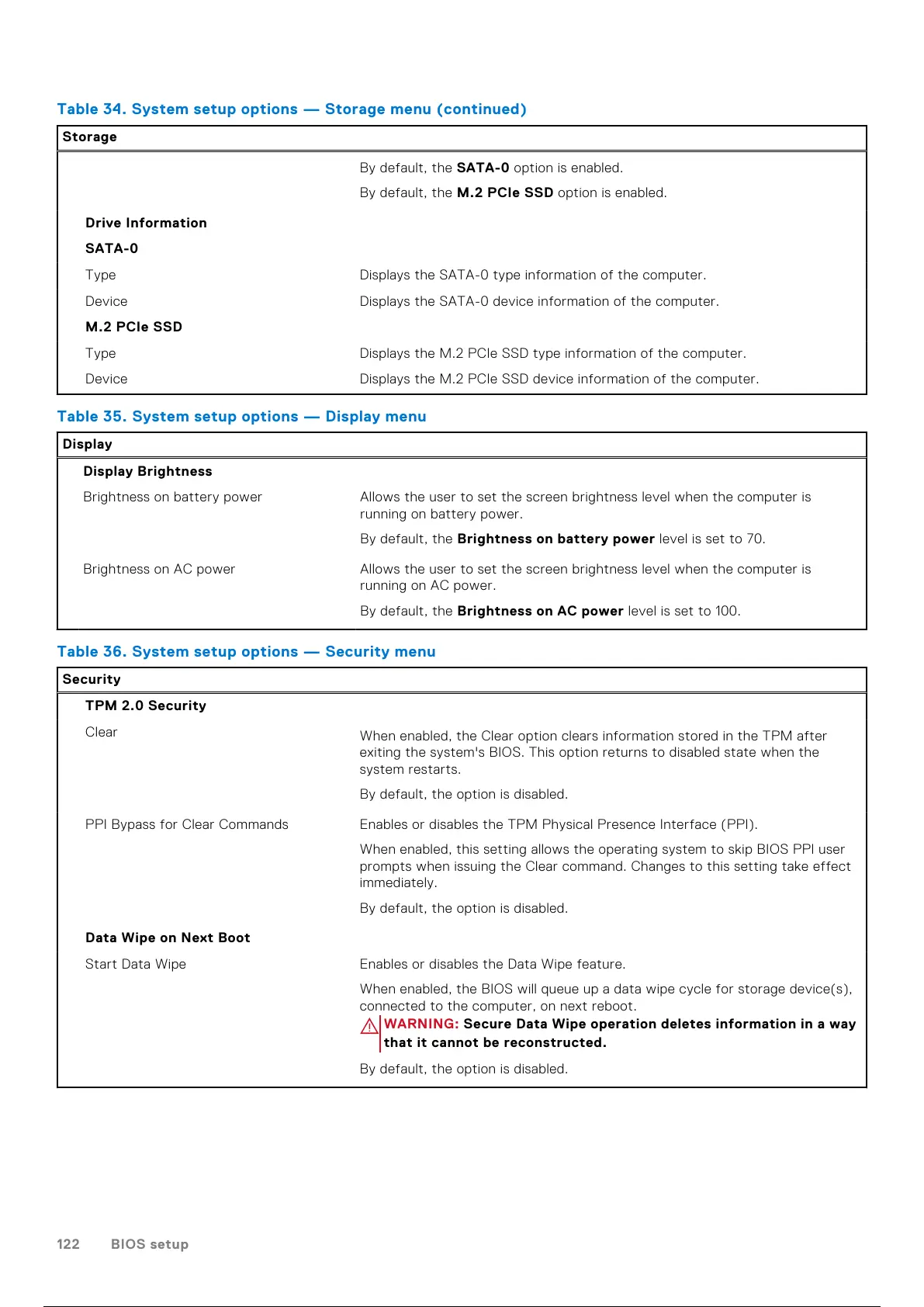
Table 34. System setup options — Storage menu(continued)
Storage
By default, the SATA-0 option is enabled.
By default, the M.2 PCIe SSD option is enabled.
Drive Information
SATA-0
Type Displays the SATA-0 type information of the computer.
Device Displays the SATA-0 device information of the computer.
M.2 PCIe SSD
Type Displays the M.2 PCIe SSD type information of the computer.
Device Displays the M.2 PCIe SSD device information of the computer.
Table 35. System setup options — Display menu
Display
Display Brightness
Brightness on battery power Allows the user to set the screen brightness level when the computer is
running on battery power.
By default, the Brightness on battery power level is set to 70.
Brightness on AC power Allows the user to set the screen brightness level when the computer is
running on AC power.
By default, the Brightness on AC power level is set to 100.
Table 36. System setup options — Security menu
Security
TPM 2.0 Security
Clear
When enabled, the Clear option clears information stored in the TPM after
exiting the system's BIOS. This option returns to disabled state when the
system restarts.
By default, the option is disabled.
PPI Bypass for Clear Commands Enables or disables the TPM Physical Presence Interface (PPI).
When enabled, this setting allows the operating system to skip BIOS PPI user
prompts when issuing the Clear command. Changes to this setting take effect
immediately.
By default, the option is disabled.
Data Wipe on Next Boot
Start Data Wipe Enables or disables the Data Wipe feature.
When enabled, the BIOS will queue up a data wipe cycle for storage device(s),
connected to the computer, on next reboot.
WARNING: Secure Data Wipe operation deletes information in a way
that it cannot be reconstructed.
By default, the option is disabled.
122 BIOS setup
123 / 136 122 / 134 123 / 136



 To Next Page