Steps
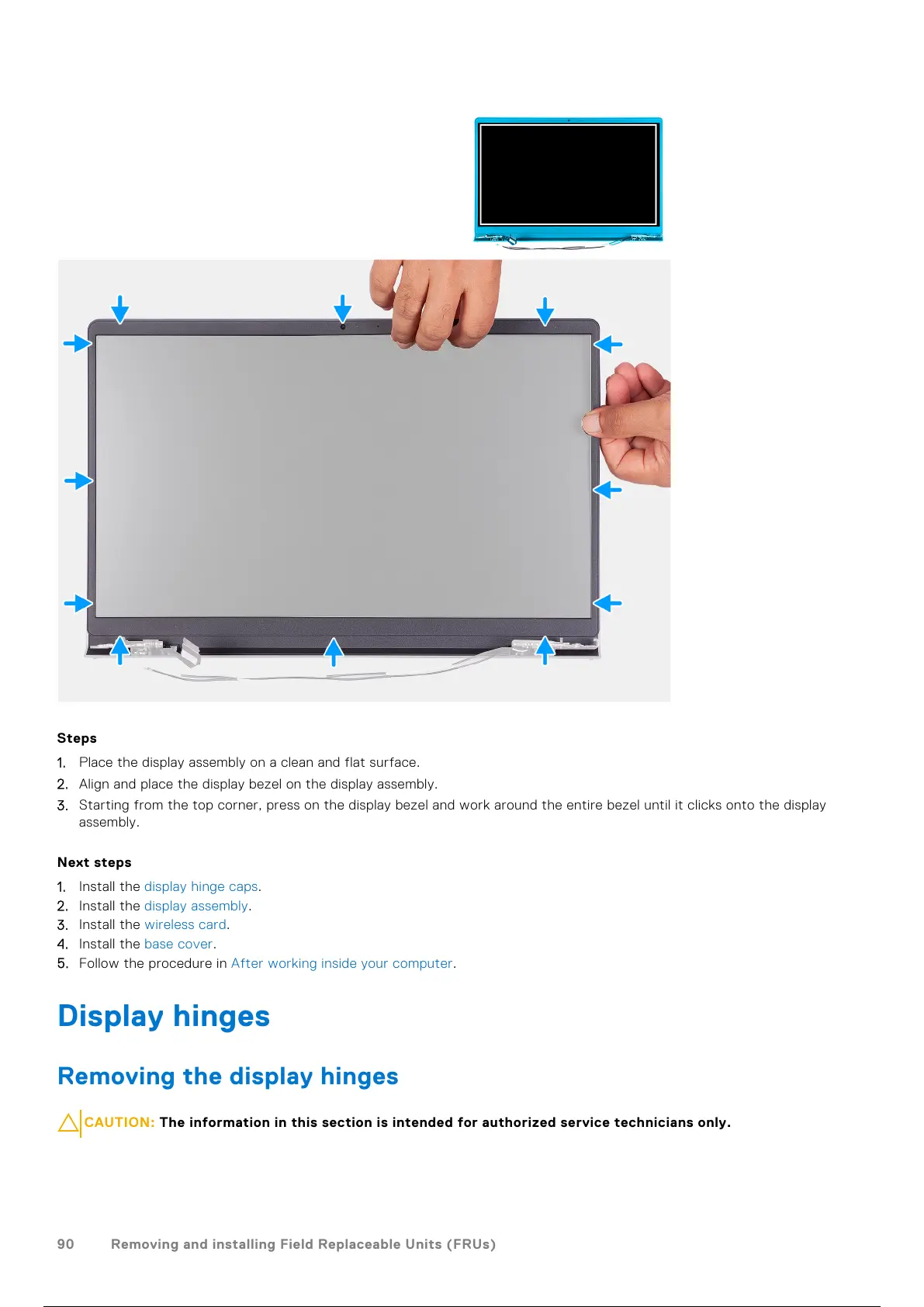
1. Place the display assembly on a clean and flat surface.
2. Align and place the display bezel on the display assembly.
3. Starting from the top corner, press on the display bezel and work around the entire bezel until it clicks onto the display
assembly.
Next steps
1. Install the display hinge caps.
2. Install the display assembly.
3. Install the wireless card.
4. Install the base cover.
5. Follow the procedure in After working inside your computer.
Display hinges
Removing the display hinges
CAUTION: The information in this section is intended for authorized service technicians only.
90 Removing and installing Field Replaceable Units (FRUs)
91 / 136 90 / 134 91 / 136



 To Next Page