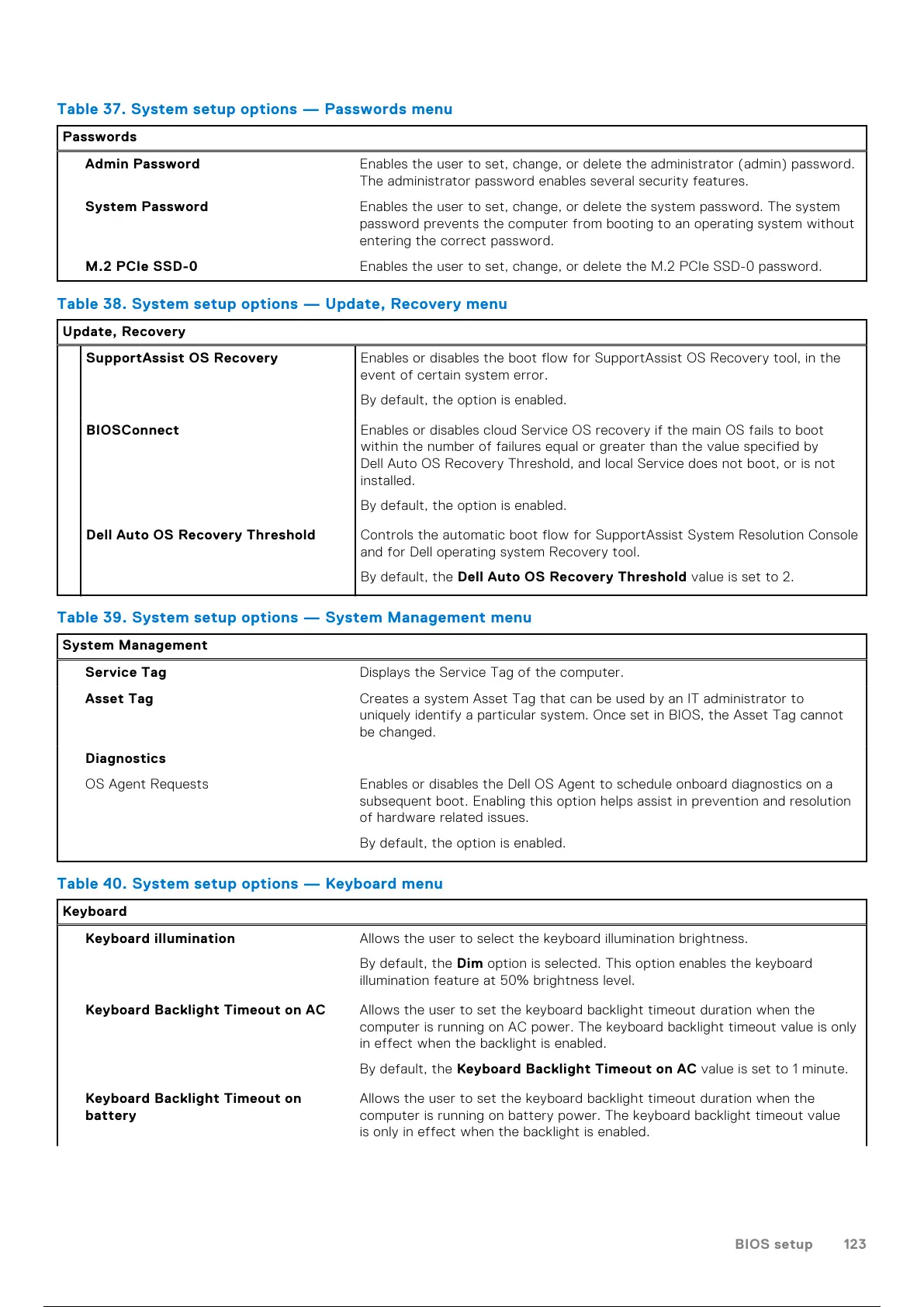
Table 37. System setup options — Passwords menu
Passwords
Admin Password Enables the user to set, change, or delete the administrator (admin) password.
The administrator password enables several security features.
System Password Enables the user to set, change, or delete the system password. The system
password prevents the computer from booting to an operating system without
entering the correct password.
M.2 PCIe SSD-0 Enables the user to set, change, or delete the M.2 PCIe SSD-0 password.
Table 38. System setup options — Update, Recovery menu
Update, Recovery
SupportAssist OS Recovery Enables or disables the boot flow for SupportAssist OS Recovery tool, in the
event of certain system error.
By default, the option is enabled.
BIOSConnect Enables or disables cloud Service OS recovery if the main OS fails to boot
within the number of failures equal or greater than the value specified by
Dell Auto OS Recovery Threshold, and local Service does not boot, or is not
installed.
By default, the option is enabled.
Dell Auto OS Recovery Threshold Controls the automatic boot flow for SupportAssist System Resolution Console
and for Dell operating system Recovery tool.
By default, the Dell Auto OS Recovery Threshold value is set to 2.
Table 39. System setup options — System Management menu
System Management
Service Tag Displays the Service Tag of the computer.
Asset Tag Creates a system Asset Tag that can be used by an IT administrator to
uniquely identify a particular system. Once set in BIOS, the Asset Tag cannot
be changed.
Diagnostics
OS Agent Requests Enables or disables the Dell OS Agent to schedule onboard diagnostics on a
subsequent boot. Enabling this option helps assist in prevention and resolution
of hardware related issues.
By default, the option is enabled.
Table 40. System setup options — Keyboard menu
Keyboard
Keyboard illumination Allows the user to select the keyboard illumination brightness.
By default, the Dim option is selected. This option enables the keyboard
illumination feature at 50% brightness level.
Keyboard Backlight Timeout on AC Allows the user to set the keyboard backlight timeout duration when the
computer is running on AC power. The keyboard backlight timeout value is only
in effect when the backlight is enabled.
By default, the Keyboard Backlight Timeout on AC value is set to 1 minute.
Keyboard Backlight Timeout on
battery
Allows the user to set the keyboard backlight timeout duration when the
computer is running on battery power. The keyboard backlight timeout value
is only in effect when the backlight is enabled.
BIOS setup 123
124 / 136 123 / 134 124 / 136



 To Next Page